
Adding card, keypad or mobile access to an automatic door can make a shop, office, clinic, residential entrance or shared facility easier to manage. The key question is not simply which credential people will use. It is how that credential is to release the automatic operator while preserving safe movement, an understandable route out and reliable everyday use. A practical design starts with the user journey. Who approaches from each side, who may enter, who must be able to leave without a credential, and what should happen outside normal opening times? Answering those questions before equipment is selected avoids a reader being mounted in the wrong place or a door being made inconvenient for staff, visitors or delivery users.
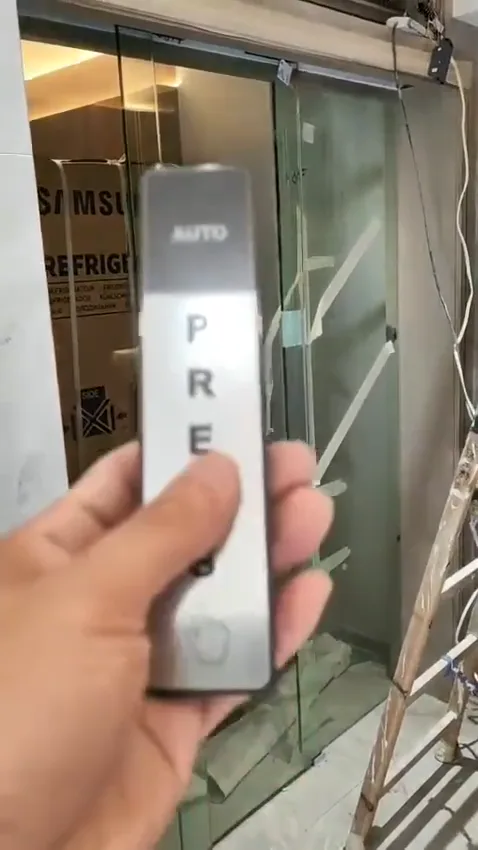
Touch-free control and safety devices at an automatic glass-door entrance should be identified as separate functions.
Start with the entrance journey
Begin at the pavement, corridor or lobby and follow a person through the doorway. At a clinic, a visitor may need controlled entry but a straightforward way to leave after an appointment. At an office, staff may use a card or phone while a receptionist admits visitors. A shop may wish to restrict entry before opening but still require a clear exit route for people already inside. These are different operating patterns even when the same sliding door is used.
Write down what the door should do from each side in normal hours, restricted hours and any unattended period. Also note deliveries, wheelchair users, pushchairs, cleaning staff and people carrying items. This does not settle every technical detail, but it reveals whether a credential reader, a release button, an intercom or another controlled point is needed. It also prevents the common mistake of applying the same rule to both directions without considering actual movement through the entrance.
- Map entry and exit routes separately before choosing devices.
- Decide which users may enter, leave, tailgate or request assistance.
- Keep the operation understandable to visitors and regular users.
How the connection normally works
In a typical arrangement, a card reader, keypad or mobile-access system sends an authorisation request to its controller. When access is granted, the controller provides a release signal to an appropriate control input on the automatic-door operator. The operator then opens the door according to its own programmed opening, hold-open and closing behaviour. This keeps the decision about permission separate from the mechanical movement of the door.
The signal type, duration and wiring route must suit the equipment actually installed. An older operator may have limited inputs, while a newer system may have configurable functions. Do not join wires based only on a diagram found online or bypass an existing control board. Incorrect connection can lead to unreliable opening, a permanently open door, damage to equipment or loss of an intended safety function. A close photograph of the operator label and existing terminals can help establish what needs on-site confirmation.
- A reader authorises access; it is not a safety device.
- Use an operator input intended for the required release signal.
- Protect controls and wiring from weather, impact and unauthorised interference.
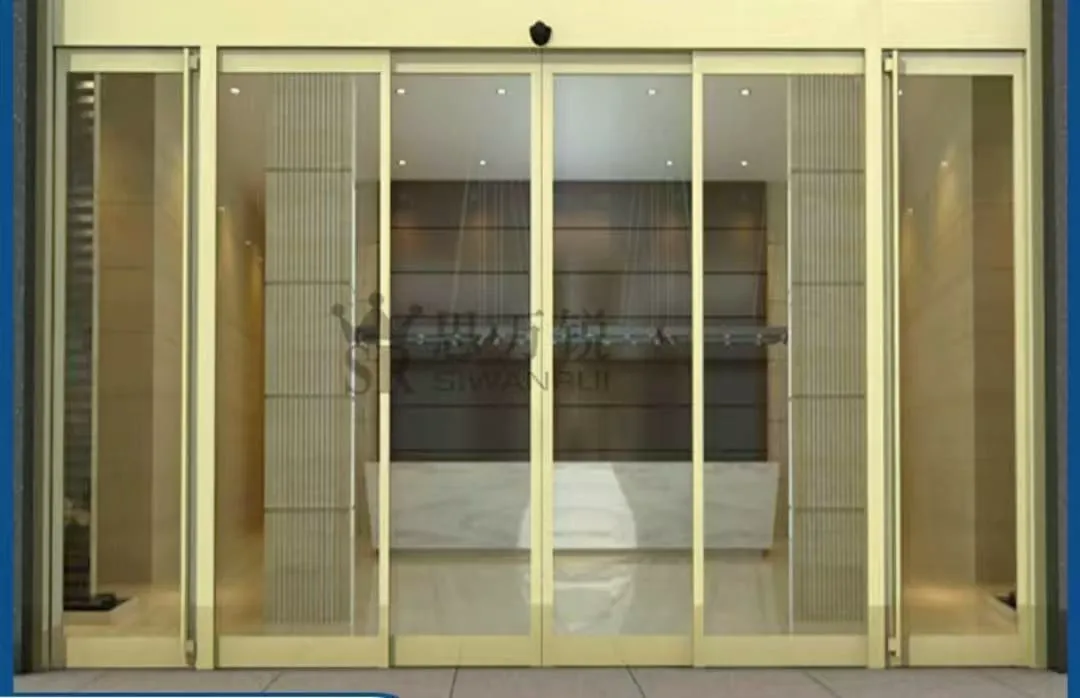
A framed glass shopfront entrance provides useful context for reader position, cable routes and operator clearance.
Safety sensors still have their own job
An activation sensor detects an approaching person and asks the door to open in normal use. A door-zone safety sensor monitors an area where movement could create a risk and helps prevent closing or contact with a person or object. Access control determines whether an approaching person is allowed to enter. These devices may be positioned close together, but they do not do the same work and cannot substitute for one another.
After access control is added, observe the entrance during ordinary use. Look for a door starting to close while a user is crossing, failing to respond to an authorised user who is standing in the approach area, or reopening repeatedly with no clear cause. Keep people clear while testing and use normal, gentle walking movements only. If the door contacts anyone, behaves unpredictably or produces a new alarm or fault indication, stop relying on it as normal and arrange an inspection rather than attempting sensor adjustment from a distance.
- Keep activation sensing, door-zone safety sensing and access decisions distinct.
- Observe whether the door reopens, hesitates or closes near people.
- Do not mask, disconnect or reposition safety equipment as a temporary workaround.
Choosing card, keypad or mobile access
Cards and fobs are familiar where staff need quick, repeatable entry. A keypad can suit a small group where issuing physical credentials is impractical, although codes need controlled administration and periodic review. Mobile access can be convenient for changing teams or sites with managed user permissions, provided users can reasonably rely on their phones at the entrance. A combination may be appropriate where staff use credentials and visitors use an attended release point.
The reader position matters as much as the credential. Place it where an authorised user can present it before entering the door’s movement area, without blocking others or standing in a vehicle or pedestrian path. At an exposed shopfront or coastal, humid location, the enclosure, fixing method, cable entry and material suitability deserve attention. Photos should show the full approach from both sides, the proposed mounting surface and any nearby switches, intercoms or sensors.
- Choose the release point for real approach direction, not a convenient wall only.
- Consider weather exposure, glare, crowding and a person carrying items.
- Leave space for maintenance access and clear signs where needed.
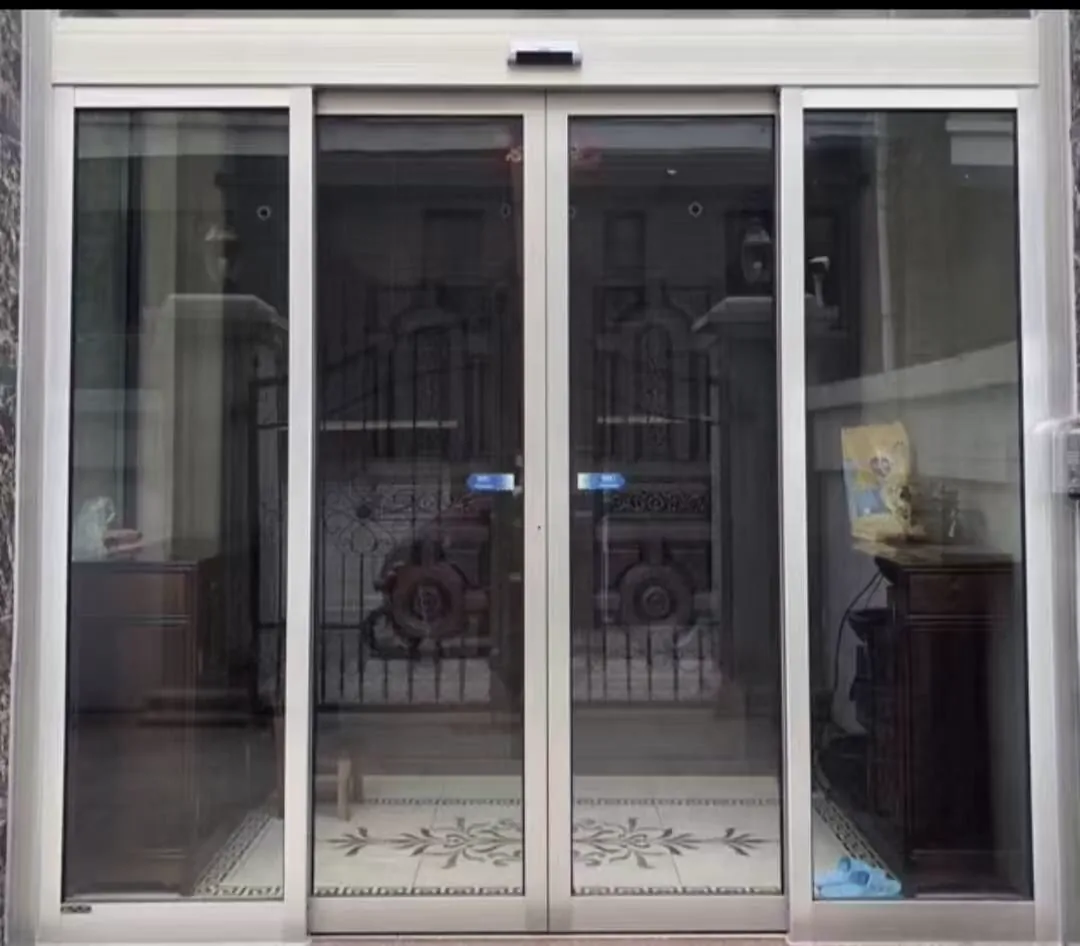
A residential entrance image helps assess approach direction, access-control position and the room available around the doorway.
Power loss, escape and linked systems
The door’s behaviour during a power interruption should be agreed before installation, not discovered during an incident. The access-control controller, automatic operator, electric locking where present and any backup power arrangement may each affect the result. The desired outcome may differ between a reception entrance, a shared residential area and a public-facing premises. It must also be clear what users see and how they can act when the system is unavailable.
Where fire alarm interaction, emergency escape or accessibility is relevant, treat this as a design coordination matter. The automatic-door installation, building arrangement and any relevant professional requirements need to be considered together on site. Avoid making a change solely because it appears to solve a security concern at the reader. A connection that changes release logic can affect people trying to leave, so it should be reviewed before it is put into service.
- Confirm backup power, door release and access logic together.
- Consider fire, escape and accessibility requirements for the actual premises.
- Do not assume a locked-looking entrance provides the required escape arrangement.
Useful checks and information to send
For a planned upgrade, take one wide photograph from each side of the entrance. Include the door leaves, operator or header, approach sensors, door-zone safety devices, existing reader or push button, nearby door frame and the wall or post proposed for a new control. Then take close, legible images of the automatic-door operator label, reader label if present, control-panel indicators and any visible access-control cabinet exterior. These images help distinguish what is already fitted from what only appears similar.
For a fault, make a short video with sound showing a complete opening and closing attempt from a safe distance. Describe whether the issue occurs all day, only at certain times, only after a credential is accepted, or only from one side. Check without touching equipment that the track surroundings are free of loose objects and that the sensor faces are not obviously obstructed. Remote review can suggest likely next checks, but it cannot verify wiring condition, sensor coverage, door weight, structural fixing or the final configuration; those require an appropriate site inspection.
- Photograph the whole entrance and each control device.
- Record labels, indicator lights and one normal operating cycle with sound.
- Clear loose items from the track area before observation.
- Use remote information for preliminary triage, not a final safety decision.
Common questions
Can an existing automatic door be connected to access control?
Usually, yes, if the proposed reader, keypad or mobile-access controller can provide the correct release signal and the existing operator has a suitable control input. Compatibility is not just a question of connector shape. The operator model, existing safety devices, door type, access logic and the space for secure cable routing all need checking. A label photo and a video of the present operation are useful before arranging a site inspection.
Can the card reader replace the existing sensor?
The activation sensor tells the operator that someone is approaching and requests normal opening. A card reader, keypad or phone credential decides whether a person may enter. The door-zone safety sensor helps prevent movement when a person or object is in a hazardous area. These functions are separate: an access reader does not make a doorway safe, and a safety sensor does not control who is authorised. The final arrangement should retain appropriate safety coverage on both sides of the entrance.
What happens if there is a power failure?
That depends on how the entrance is intended to work during a power interruption and on any linked systems. Some sites need a controlled release, some need a defined route for leaving, and some may have a separate backup arrangement. These decisions should be made during design with the operator, access-control and relevant building requirements considered together. Do not assume that a reader, electric lock or door operator will behave in the desired way when its power supply is unavailable.
Not sure what is fitted? Send photos on WhatsApp
Send WhatsApp a wide entrance photo, a close-up of the operator label, the reader or keypad, and a short video with sound of one opening cycle. We can help identify the likely connection approach and what needs a site check.