
A backup battery is not a standard yes-or-no upgrade for every automatic door. For a shop, office, housing estate, clinic or shared public entrance, the more useful question is what people must be able to do if normal electrical power is unavailable. They may need to leave without a card, enter only through a designated route, or use another entrance. Those expectations affect the door operator, locking, access control and any connected safety or building systems.
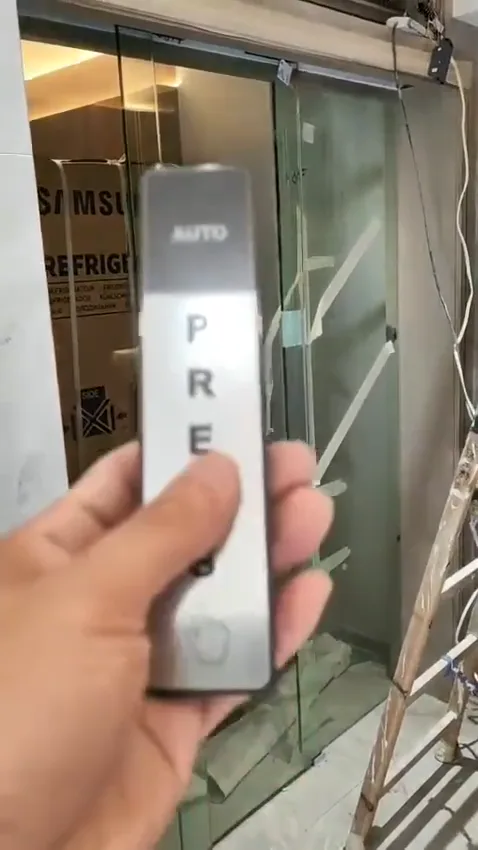
Automatic-door operator and rail: the available space and operator arrangement affect whether a backup-power solution can be considered.
Start with the power-loss scenario
Begin with a simple, site-specific question: when mains power is unavailable, who needs to use this doorway and in which direction? A clinic entrance may need staff to manage patient movement differently from an internal office door. A residential lobby may have an access-control expectation that differs from a shop entrance used by visitors throughout the day. Write down the likely users, the times the entrance is occupied, and whether a nearby alternative route actually remains usable.
Then describe the intended door behaviour in plain terms. Should it open for a period, allow exit only, remain under a particular access-control rule, or stop operating while people use another route? Do not assume that “the door keeps working” is enough of a specification. The answer can change depending on connected locks, readers, push buttons and other controls. Clarifying the result first makes it easier to assess whether backup power is relevant and how it must interact with the entrance.
- Decide the intended behaviour before selecting equipment.
- Record both entry and exit behaviour.
- Identify whether another usable route is available.
Check the operator, not only the battery
The automatic-door operator has to be considered alongside the proposed backup arrangement. Operator selection normally takes account of the moving door’s weight, the opening size, how often it operates, the environment, noise expectations and continuing parts support. These same factors matter when considering a system that may need to operate differently during a power interruption. A battery cannot compensate for an operator that is not appropriate for the door or its normal duty.
For an existing installation, look for the operator label without opening the cover. Photograph it clearly, together with a full view of the rail and moving panels. Note whether the door is a sliding glass system, a framed door or another arrangement, and whether it is reluctant to move, makes new noises or shows a warning light. Those observations do not confirm a fault remotely, but they help identify whether an on-site check should begin with the operator, controls or mechanical running condition.
- Check the operator label and available space.
- Consider door weight, opening size and daily use.
- Include environment, noise and parts support in the review.
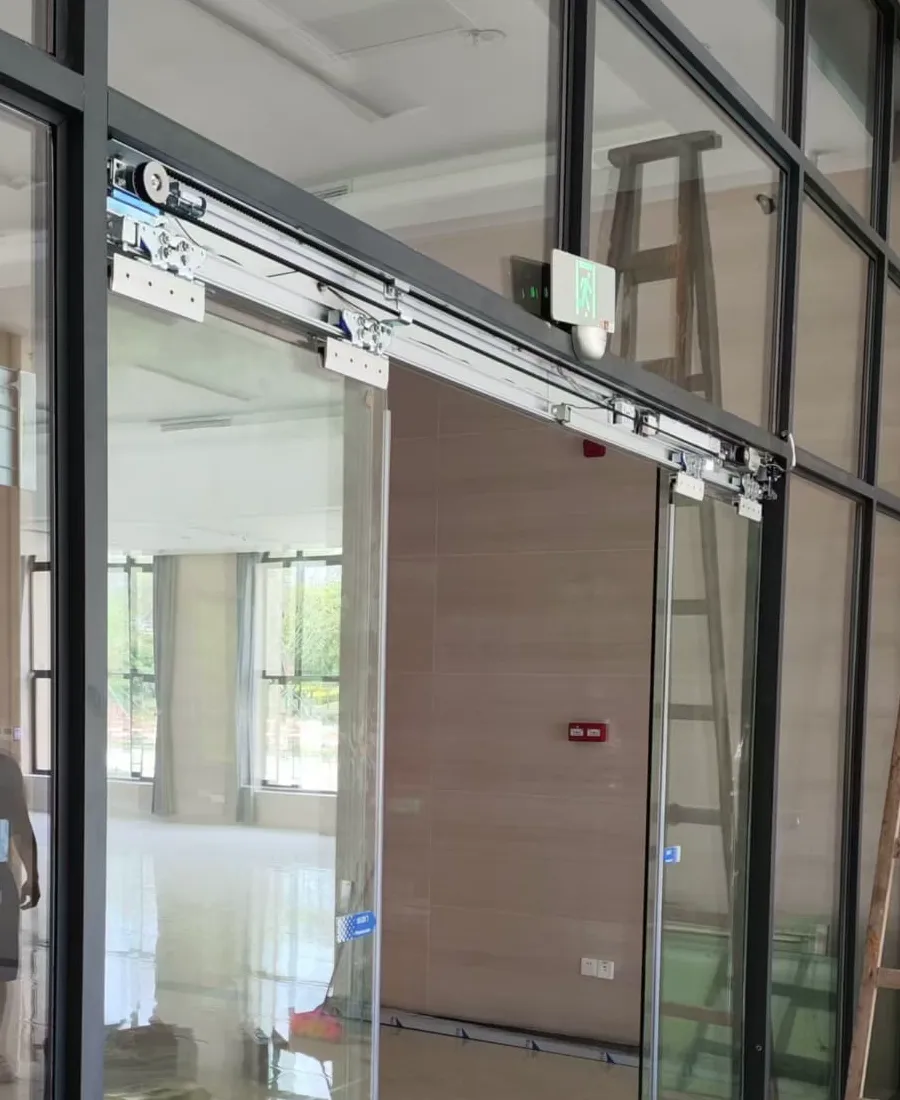
Door-control components: access controls and indicator lights need to be reviewed with the intended power-loss behaviour.
Coordinate access control and safety
Backup power affects more than the motor. Card readers, key switches, exit devices, electric locks and other access-control components may each have their own power and control path. If one part stays active while another does not, the entrance may behave in a way the occupier did not expect. Map the visible controls and ask what happens in normal use, during a power interruption and when power returns. This avoids treating the door operator as an isolated item.
Do not use an activation sensor as a substitute for a door-area safety sensor, or the other way around. An activation sensor requests a door movement; a safety sensor is intended to help protect the area around the moving door. Their functions remain different whether normal power or backup power is in use. Keep the sensing area clean, do not place displays or loose items where they interfere with it, and arrange an inspection if the door closes unexpectedly, reverses repeatedly or behaves inconsistently.
- Map every connected reader, lock, switch and interface.
- Confirm the intended sequence before installation.
- Keep activation and safety sensing as separate functions.
Set the logic before work begins
The logic for backup power, access control, fire connection and passage during a power interruption should be agreed at the design stage. A door may be part of a route used by staff, residents, visitors or people needing assistance, so a single default setting may not suit every entrance. Establish who is responsible for the building systems connected to the doorway and make sure the intended sequence is discussed with the people managing the site.
Fire, escape, accessibility and structural safety cannot be settled from a general article or a photograph alone. They depend on the actual route, door arrangement, building systems and relevant professional requirements. Do not alter linked fire wiring, locks or control settings simply to make the door appear to work during a test. If the entrance has a fire interface or its use affects an escape route, arrange the appropriate site-specific checks before a change is put into service.
- Ask about the door’s behaviour during a fire signal.
- Confirm locking and passage logic at design stage.
- Seek site-specific professional confirmation where required.
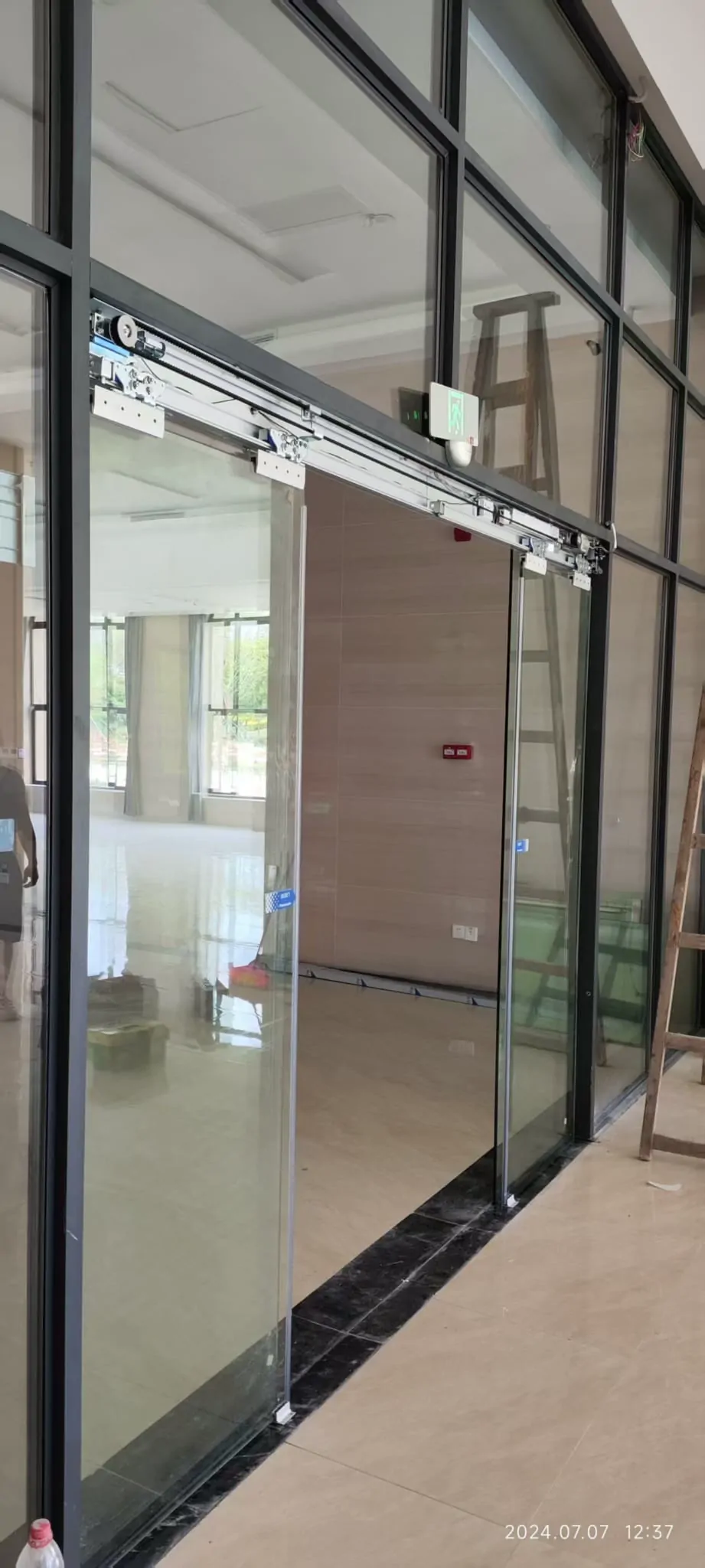
Glass automatic-door system: the moving panels, fittings and surrounding entrance should be checked as a complete installation.
Use routine checks to spot problems early
Simple observations are useful before and after any backup-power decision. Keep the area around the rail free of loose objects and keep the sensor area clean. Watch one or two normal operating cycles from a safe position: does the door detect an approaching user as expected, open smoothly, remain open long enough, and close without scraping or hesitation? Listen for a new clicking, grinding or repeated reversing sound. A change from the door’s usual operation is worth recording rather than repeatedly testing.
These checks are not a substitute for servicing or a safety inspection. Keep hands, clothing and cleaning tools away from moving panels and do not lift, force or restrain a door. Do not open the operator cover or adjust wiring, batteries, sensor alignment or control switches unless authorised personnel are handling the work. If the door has stopped moving, repeatedly reverses, strikes an obstruction or shows a persistent warning indication, restrict use as appropriate and arrange an assessment.
- Keep the rail area clear.
- Clean sensor areas only in a safe, normal manner.
- Record unusual sounds, lights and movement.
Prepare useful information for a review
Useful photos show context as well as equipment. Take one image from far enough back to include the complete entrance, fixed side panels and the route immediately around it. Take another of the operator and rail, plus a close, readable image of the operator label if it is visible without removing anything. Photograph card readers, push buttons, switches, indicator lights and any obvious control box. Include an image of any obstruction, rail debris or visible damage without moving it for the camera.
A short video can be particularly helpful: show a normal request to open, the full opening and closing movement, any indicator lights, and the sound made by the door. State when the issue occurs and whether it began after a power interruption or another change. Remote review can help narrow the questions, but it cannot verify concealed wiring, battery condition, door weight, mechanical adjustment, fire connections or the suitability of the final arrangement. An on-site inspection may still be necessary.
- Take an entrance-wide photo in good light.
- Photograph the operator label and all nearby controls.
- Send a short video with the door sound and indicator lights visible.
Common questions
Is backup power necessary for every automatic door?
Not necessarily. A low-use internal entrance may have a different need from an entrance that must remain usable during a mains interruption. First establish what people should be able to do when power is lost: pass through freely, use a controlled route, or wait for the door to be attended. The appropriate arrangement depends on the door, the access system and the site’s wider requirements.
Will a backup battery make the door suitable for emergencies?
It may provide temporary operation for an agreed function, but it does not by itself prove that an entrance arrangement is suitable for every emergency or evacuation situation. The door’s behaviour during loss of power, any fire interface, locking arrangement and route requirements need to be considered together. Confirm the final arrangement against the actual site and relevant professional requirements.
What should I send for an initial assessment?
A clear entrance-wide photo, a close photo of the operator label, and photos of the card reader, push button or other controls are useful. A short video showing the door opening and closing, including any sounds or indicator lights, can reveal useful clues. Do not remove covers, alter wiring or hold a moving door while making the video.
Ask with photos on WhatsApp
If you are unsure, send a WhatsApp photo of the entrance, operator label and controls. A short opening-and-closing video can also help us discuss what needs checking on site.