
Clinic entrances have competing demands. Patients may approach slowly, carry bags or use walking aids; staff may move between reception and treatment rooms; and conversations should not be exposed to everyone in the waiting area. An automatic door can help, but only when its sensing, glass, access control and power arrangements match the space.
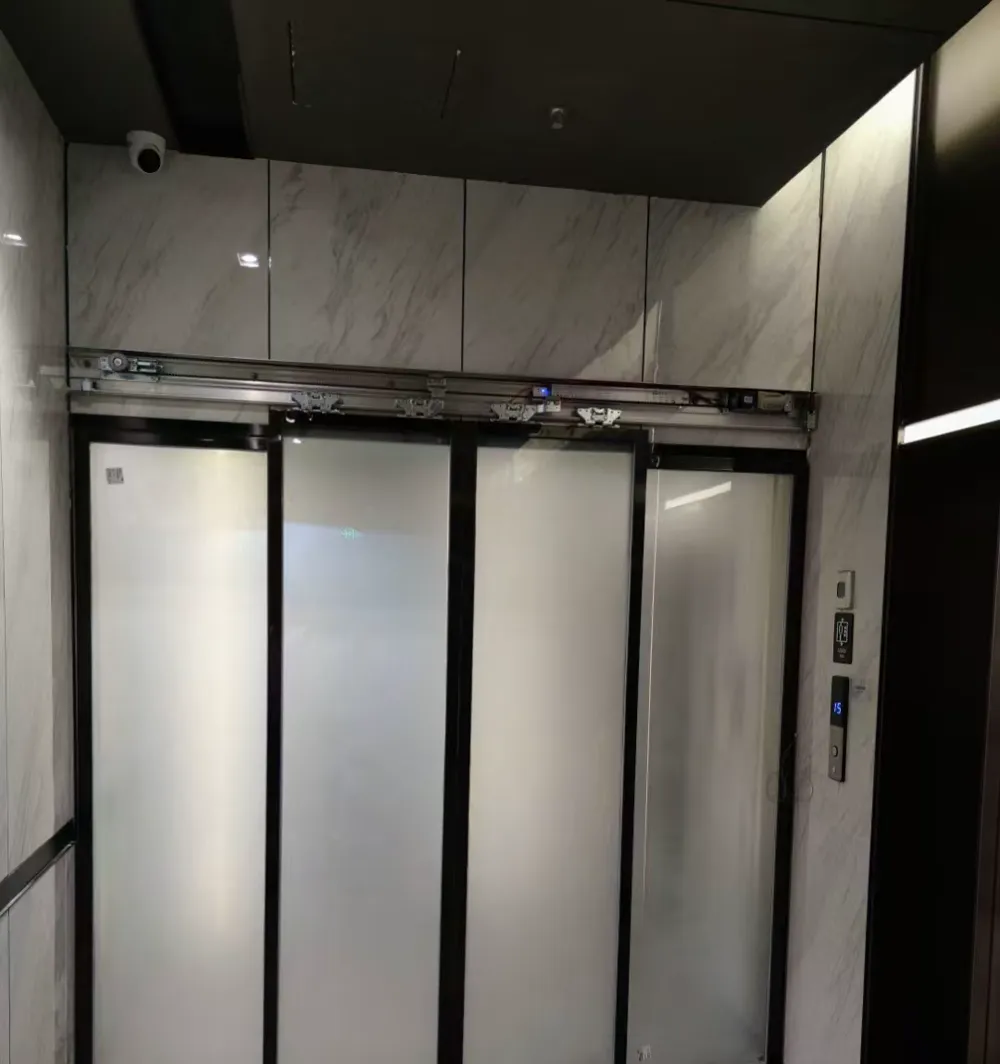
Frosted sliding glass door showing an obscured panel, framed edge and overhead operator area for privacy-focused selection.
1. Map the clinic’s real movement
Begin with observation rather than a product name. Watch how a person approaches from the pavement or lift lobby, where the queue forms, and whether someone has to pause directly in front of the opening. Note wheelchairs, walking frames, prams, cleaning carts and medicine deliveries. A door that opens neatly for a fast-moving office user may react differently when a patient stops inside the detection area. Also check whether reception staff need to keep the entrance open temporarily during busy periods.
Privacy is partly a layout question. Stand where a visitor would wait and look towards reception, consultation-room doors and the moving glass. If a clear panel exposes a desk or patient movement, obscured glass may help, but excessive frosting can remove useful visual cues. Record daylight, artificial lighting, reflections and nearby signs, because these affect what people can see and how sensors are approached. Fire, escape and accessibility arrangements should be confirmed against the actual premises and relevant professionals; a remote recommendation cannot establish compliance.
- Observe the approach from outside and inside at different times.
- Record where patients wait, queue or turn with mobility aids.
- Mark staff-only routes, treatment-room sightlines and delivery paths.
2. Set hygiene and sensor behaviour
The activation sensor tells the door that someone intends to enter. The safety sensor monitors the moving door area and helps prevent contact or unsafe closing. They perform different jobs and cannot substitute for each other. In a clinic, ask the installer to demonstrate both responses: approach normally to activate the opening, then stand or move slowly in the protected area while the door closes. A door that opens reliably but reverses late may still have a safety problem.
Make cleaning part of the routine. Follow the equipment maker’s method for the sensor face and keep tape, posters, hanging decorations and reception furniture out of the detection zones. Watch for a door that opens without anyone approaching, hesitates, repeatedly reopens or changes behaviour when sunlight or reflections change. Note the time, weather and nearby activity. Do not adjust detection angles, wiring or operator covers as a quick fix; record the symptom and arrange an inspection, especially if the entrance serves vulnerable patients.
- Keep activation and safety sensing as separate functions.
- Check that the door area is free of chairs, displays and bins.
- Ask for sensor tests with slow approaches and people pausing.
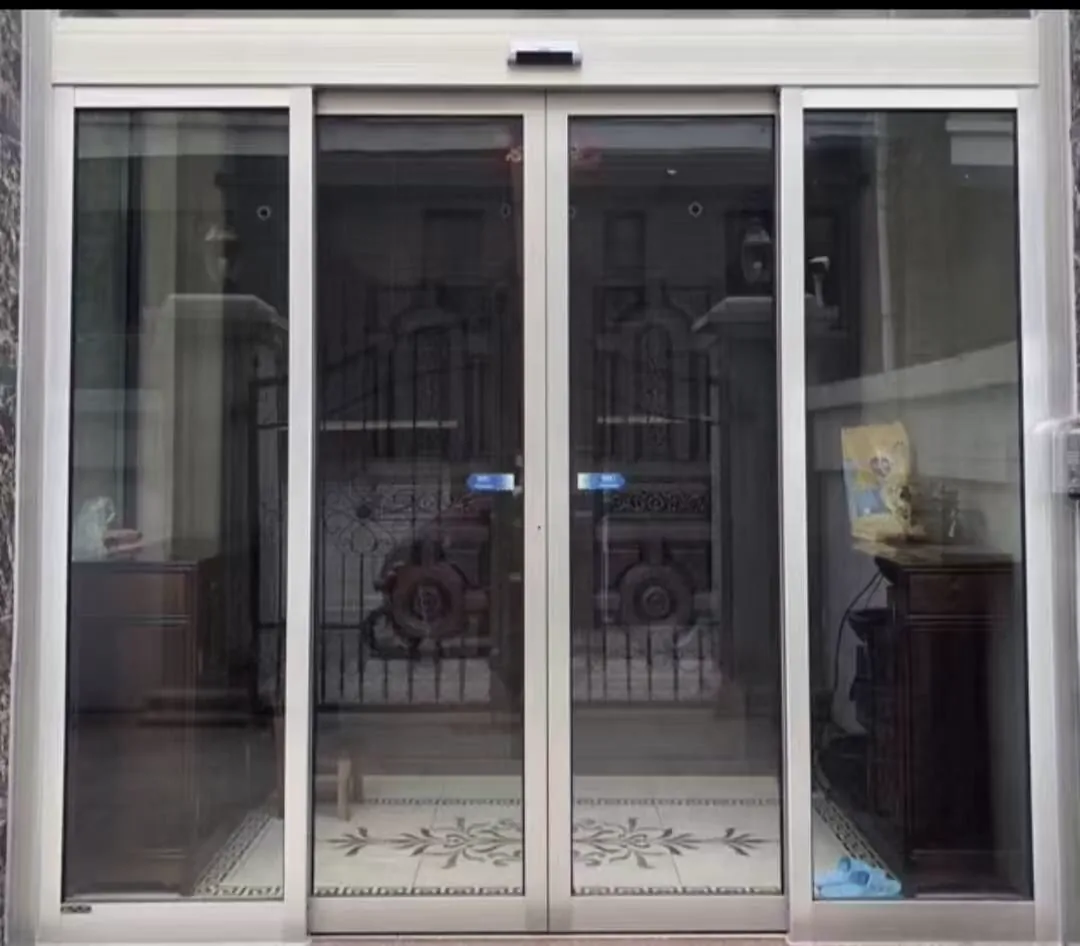
White-framed automatic entrance illustrating a clear opening and safety-focused layout; no particular site is identified.
3. Balance privacy with visible safety
Frosted glass can reduce direct views into a reception or treatment approach, yet people still need to recognise a moving door and its edges. Consider where an obscured panel ends, whether a contrasting mark or vision strip is needed, and how the pattern looks under evening lighting. Framed and frameless arrangements have different fixing and cleaning details. The useful question is not simply “how thick is the glass?”; it is whether the glass type, dimensions, weight, holes and hardware suit the operator and the environment.
For an existing glass entrance, an installer should inspect the door leaf, support, rollers or hinges, frame, available track space and the way loads reach the structure. A conversion may be unsuitable if the leaf flexes, the fixing points are weak or the operator cannot handle the complete assembly. In humid or coastal locations, discuss corrosion risk and suitable materials or surface treatment. Do not drill or clamp a panel based on a photograph; glass work and structural support require physical confirmation.
- Select glass with type, size, weight, holes and fittings considered together.
- Check the operator capacity against the complete door assembly.
- Review privacy, visibility and cleaning needs for every panel.
4. Coordinate access control and power
A clinic may need unrestricted public entry at reception but controlled access beyond it. Decide whether a reader, keypad or another control should hold the door closed, release it for authorised staff, or allow timed passage. Place the control where a user can operate it without standing in the moving leaf’s path. Then test the complete sequence: authorisation, activation, opening, safety detection, closing and any manual release. A reader that works by itself is not evidence that the door remains safe when combined with the operator.
Back-up power, access control, fire interfaces and the logic used during a power failure should be agreed during design. Questions include whether people can leave, whether the door stays unlocked or manually operable, and how staff are alerted. These are site- and system-specific decisions, not conclusions that can be made from a catalogue or remote photo. Document the chosen behaviour, label the controls and include it in staff training and maintenance checks.
- Decide who may enter staff-only or treatment areas.
- Define behaviour during a power cut before equipment is ordered.
- Test reader, sensor and manual release interactions together.
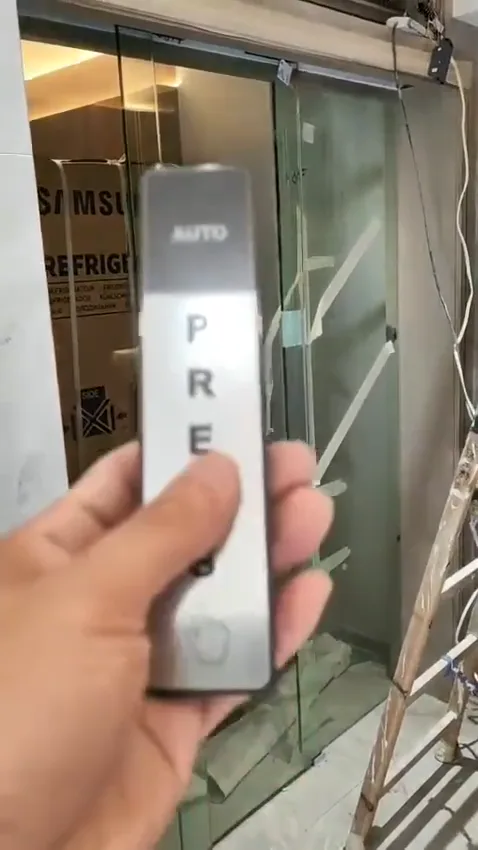
Touchless access-control demonstration panel with sensor and control components used to discuss hands-free entry logic.
5. Use photos for a useful first review
For an initial review, take a landscape photo from outside showing the full opening, floor and nearby obstacles. Repeat from inside, then photograph the door edge, overhead operator, track or hinges, sensor faces, access-control reader and any warning or indicator lights. Include the manufacturer and model label without covering it with a hand. If the entrance is glazed, show the panel edges, clamps or framed joints and any visible damage. Remove patient information, screens and documents from the frame before sharing.
A ten- to twenty-second clip can reveal delayed activation, bouncing, scraping, repeated reversing or a motor that sounds strained. Film one normal cycle and, if safe, show the symptom from a clear position outside the moving path; do not place a person or object in the doorway to provoke a fault. State when it happens and whether cleaning, rain, sunlight or a queue changes it. This evidence can guide the next inspection, while alignment, load, sensor coverage, wiring and fixings still need a technician on site.
- Provide an entrance-wide photo before discussing symptoms.
- Include the operator label, lights, sensors and fixing details.
- Capture a short opening and closing clip with sound.
6. Plan maintenance around clinic hours
A simple daily or weekly check can catch change early: look for objects in the travel path, wipe accessible sensor surfaces using the approved method, and listen for grinding, knocking or a motor that runs longer than usual. Check that the door opens and closes smoothly without striking the frame, and that the safety response is demonstrated by trained staff rather than improvised tests. Keep cleaning products away from electrical covers and do not force a stiff leaf by hand.
Arrange professional maintenance when behaviour becomes intermittent, an indicator light changes, the leaf drifts, the door scrapes, or a safety device appears unreliable. Tell the technician about patient flow, operating hours, cleaning chemicals, humidity and any recent building work. A maintenance record with dates, symptoms and actions helps separate a recurring sensor issue from a structural or hardware problem. If the door cannot be kept safe, restrict use and seek an on-site assessment before returning it to service.
- Schedule cleaning of sensing areas and visible tracks.
- Keep the travel path clear and listen for new sounds.
- Record intermittent faults instead of repeatedly resetting the system.
Common questions
Does touchless activation make a clinic door hygienic?
An automatic door can reduce hand contact when it uses a correctly set activation sensor, but the sensor does not replace the safety sensor at the door area. Keep the activation zone clear and clean, and ask for the safety devices to be tested during commissioning and maintenance. Touchless access control can be considered where a controlled room needs authorisation, but it must work with the door’s safety logic.
How much frosted glass should a clinic entrance use?
Frosted or obscured glass can limit views into a consultation area, while a clear safety panel or a suitable vision strip can help people understand where the door is moving. The right balance depends on the entrance layout, lighting and patient flow. Do not choose glass by thickness alone: confirm its type, dimensions, weight, holes, fittings and environment with the installer.
Can you diagnose a clinic door from photos?
A short video can show delayed opening, repeated reversing, scraping or an unusual motor sound. Photos should include the whole entrance, both sides of the door, the operator label, indicator lights, the track or hinges and any access-control reader. These images support an initial discussion only; a technician still needs to inspect alignment, fixings, sensors, wiring and structural support before recommending repair or alteration.
Send entrance photos on WhatsApp
If you would like a first check, send a clear entrance photo, the operator label and a short video with the door sound to WhatsApp. We can indicate what should be checked on site; final selection and safety decisions require a physical inspection.