
An office entrance often needs to welcome visitors without allowing unrestricted access beyond reception. A suitable automatic door arrangement is therefore more than a sliding mechanism with a card reader beside it. It should make the intended route obvious, give authorised staff a reliable way through, let visitors know where to wait, and move safely when people, bags or trolleys are close to the doorway.
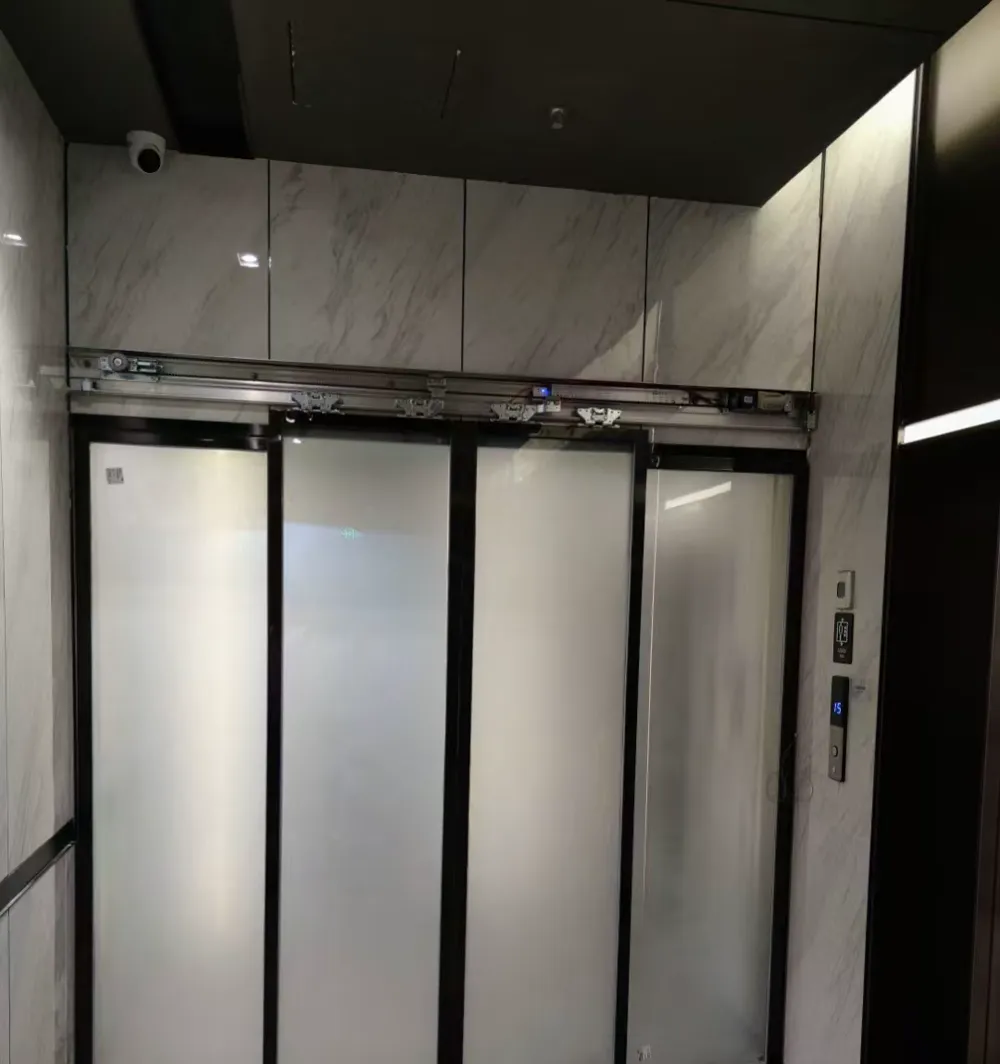
Frosted glass sliding door arrangement showing privacy glazing and a framed entrance opening.
Start with the visitor route
Begin by following the route as an unfamiliar visitor would. From the lift lobby, corridor or shared floor, can they see which entrance is for the office, where to approach, and where to wait? A glass door may preserve sightlines, while frosted areas can reduce views into workspaces. The choice should reflect the reception layout and privacy needs, not appearance alone.
Then consider what happens after the door opens. A visitor who is waiting for staff should not be encouraged by the door movement to step into a controlled area. Reception desks, waiting seats, sign-in points and turn directions can all change the practical doorway requirement. Marking this route before selecting equipment helps avoid a door that opens into a pinch point or directly across a queue.
- Map the route from lift lobby or corridor to reception.
- Decide where visitors pause before they are admitted.
- Keep the clear passage free from furniture and displays.
Separate entry permissions from movement
List the people who use the entrance and the permission each group needs. Staff may use cards, mobile credentials or another approved method. Visitors may be released by reception, admitted after an intercom call, or escorted through. Delivery personnel and contractors may need a different process altogether. A simple written list often reveals conflicting expectations before cabling and controls are fixed.
The reader, release button, intercom and door controller should be positioned for the actual approach direction. A reader hidden behind an opening door, or a release control placed where a receptionist must leave the desk, soon becomes frustrating. Also decide whether someone approaching from inside needs an exit request device, free passage at particular times, or another agreed operating arrangement. These decisions belong in the design stage.
- Identify staff, visitors, deliveries and cleaners separately.
- Agree who releases visitors and by what method.
- Consider routes needed outside normal reception hours.
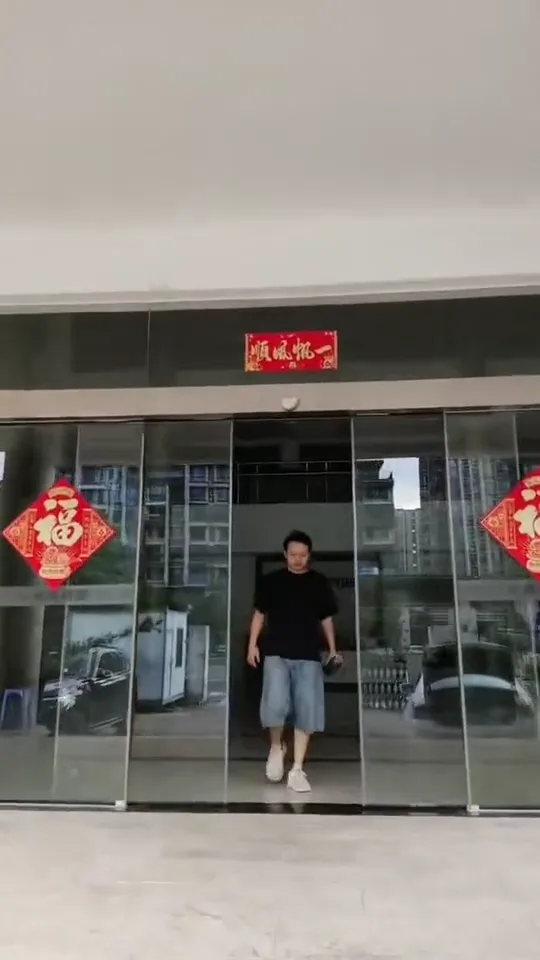
Office automatic-door test view showing the doorway, sensor area and access-control position.
Plan sensors for the way people walk
An activation sensor detects an approach and requests an opening. A door-area safety sensor monitors the relevant movement area to help the door operate safely around people or objects. One cannot substitute for the other. The right placement depends on the door type, opening width, approach path and nearby surfaces, including reflective glass or fittings that may affect the sensing environment.
Walk through ordinary and less tidy situations: a colleague arriving side-by-side, a person lingering while reading a visitor notice, someone carrying a carton, or a cleaner moving equipment. Observe where they stand before and after the threshold. Sensor settings and mounting positions should be confirmed from the actual site conditions. Do not try to alter sensor alignment or disable a safety function to work around an intermittent problem.
- Treat opening activation and safety monitoring as separate functions.
- Check likely approaches by people carrying bags or pushing trolleys.
- Avoid placing décor or signs inside sensing areas.
Choose the operator as part of a system
Door-operator selection should consider the door leaf weight, opening dimensions, expected frequency of use, environment, noise expectations and parts support together. For glass doors, type of glass, dimensions, weight, holes and use environment all matter; thickness on its own is not enough. Existing frames, overhead structure, track space and glass hardware also need review where a retrofit is being considered.
Ask practical questions early. Will the entrance be busy at staff arrival times? Is the door beside meeting rooms where operating noise could be distracting? Is the location humid, exposed to coastal air or otherwise at higher corrosion risk? Such environments may require consideration of suitable corrosion-resistant materials and surface treatments. A site review can distinguish a workable arrangement from one that only looks suitable in a sketch.
- Confirm door leaf weight, dimensions and glass details.
- Allow for traffic frequency, noise and the local environment.
- Check whether replacement parts and future servicing are supported.
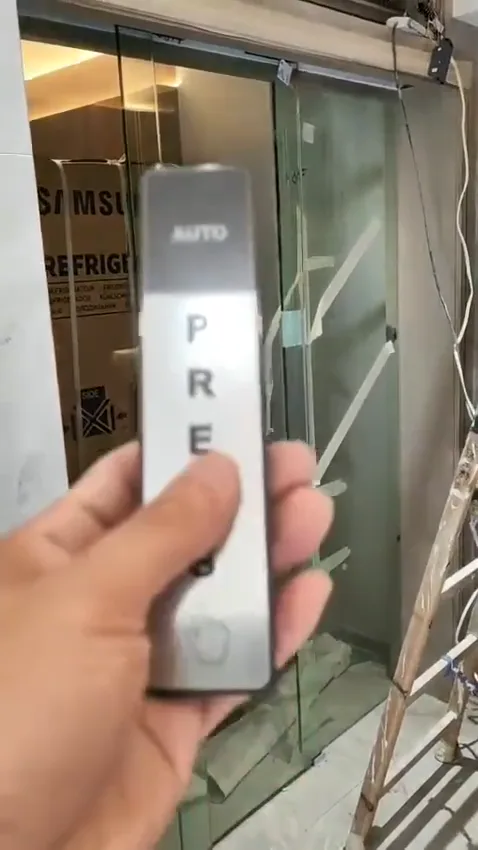
Touchless access-control and sensor components positioned beside an automatic-door entrance.
Agree operation when conditions change
Before installation, agree the intended logic for normal opening, authorised entry, visitor release and loss of power. Backup power, locks, access control and any fire-related interface can affect whether the door opens, remains closed or changes mode. These choices cannot be safely inferred from a single product description, because the building arrangement and other systems matter.
Where the entrance relates to escape, fire operation, accessibility or structural safety, treat general guidance as a starting point only. The final arrangement should be checked against the site and relevant professional requirements. Tell the people coordinating the fit-out about the automatic door early, especially if power supplies, access-control wiring, reception furniture or adjacent partitions have not yet been finalised.
- Define normal, power-loss and emergency-related operation separately.
- Confirm how door access and building systems are intended to interact.
- Do not assume a battery or lock behaves the same in every situation.
Use evidence when something goes wrong
If an existing automatic door hesitates, reopens repeatedly, makes an unfamiliar sound or fails to respond consistently, first keep people clear of any unreliable movement. Check only safe, visible matters: whether bags, mats, plants or signs are near the track or sensing area; whether the behaviour occurs in both directions; and whether any indicator lights are showing. Routine cleaning of sensing areas and keeping the track surroundings free of debris can help identify issues early.
For an initial repair discussion, take one photo showing the whole entrance, a clear close-up of the operator label, photos of visible indicator lights, and a short opening-and-closing video with sound. Include the access-control reader or relevant release device if the fault appears linked to permission or release. These materials can guide the next questions, but they cannot confirm hidden wiring, wear, mounting condition or safety performance remotely.
- Clean the sensing area and keep the track surroundings clear.
- Record the condition before resetting or altering anything.
- Send a wide photo, label close-up and a sound-enabled video.
Common questions
Can an existing glass office door be converted to automatic operation?
It can be possible, but the existing door must be assessed rather than assumed suitable. The door leaf, its weight and openings, supporting structure, available track space, frame condition and glass hardware all affect whether an automatic system can be fitted safely. A photograph of the full opening and close-ups of the top rail, pivots or patch fittings are useful starting information.
Can the access-control reader replace a door safety sensor?
An activation sensor asks the door to open; a safety sensor monitors the door area to help prevent contact with a person or object. They are not interchangeable. In a controlled office entrance, credential reading or an exit request device may also be needed, but these should be considered alongside—not instead of—the required sensing arrangement.
What should we send when the office door is behaving unpredictably?
Do not rely on a remote assessment alone where access, escape routes or safe passage could be affected. Keep the area clear, note whether the issue happens on every cycle, and record a short video with sound from a safe position. A full entrance photo, operator label and pictures of indicator lights can make an initial discussion more useful, but on-site inspection may still be necessary.
Send photos on WhatsApp
If you are considering a new arrangement or investigating an existing entrance, send WhatsApp photos of the doorway, controls and any relevant labels, plus a short video with sound. We can help identify what should be checked on site without pressure to proceed.