
An entrance for older and mobility-impaired users should feel predictable rather than fast. The useful question is not simply “Will it open?” but “Can this person detect it, trigger it, pass through it and stop safely if the movement changes?” In a Hong Kong shop, clinic, estate lobby or office, the same doorway may serve pedestrians, wheelchairs, delivery trolleys and people carrying bags. Those different approaches expose weaknesses that a quick demonstration can miss.
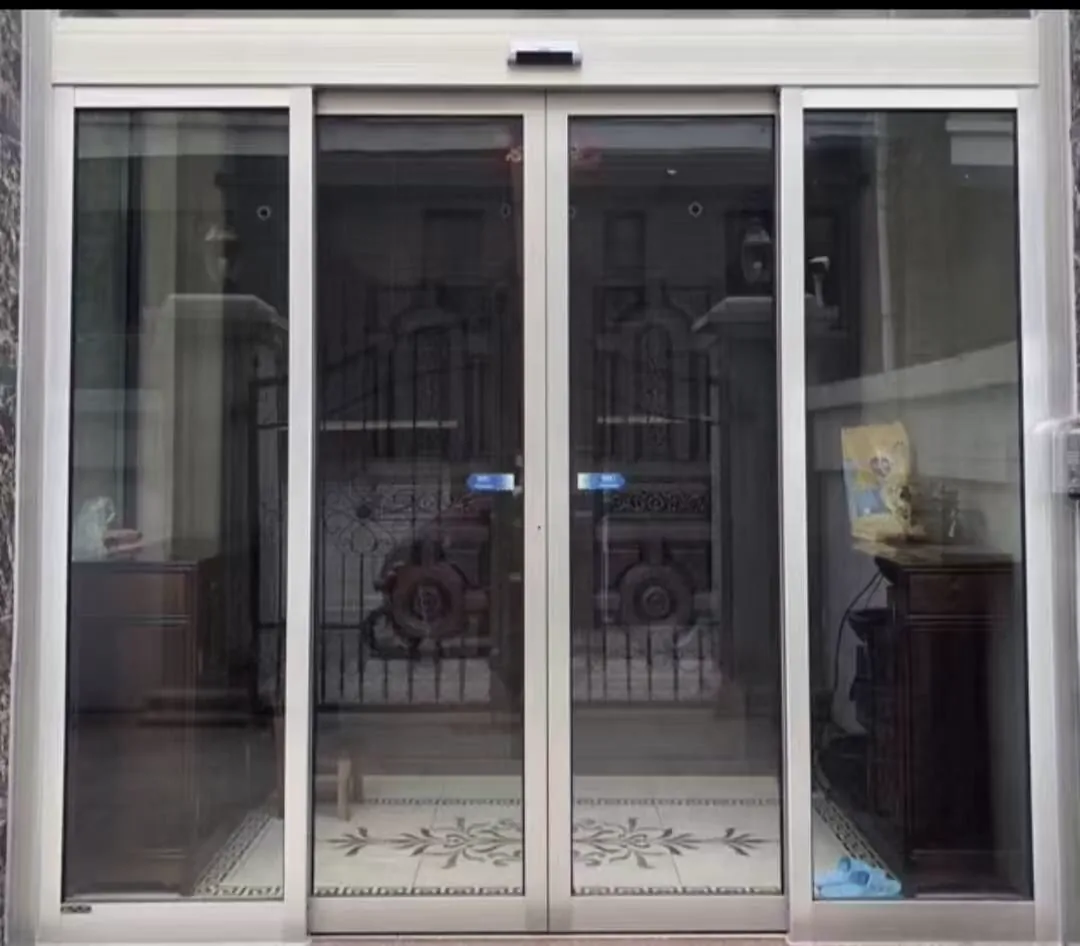
White-framed automatic entrance with a clear approach area; check sensor sightlines and threshold visibility for slower users.
1. Start with the real approach
Begin outside the entrance and watch how a person actually finds and approaches it. Can they see where to stand? Does the activation sensor respond while they are still stable, or only after they lean towards the door? Repeat from inside, because reflections, daylight and adjacent walls can make the two directions behave differently. In a clinic or estate lobby, also observe people arriving side by side or turning with a walking frame.
Look at the floor as part of the door system. A raised threshold, curled mat, wet patch or object parked beside the track can be more difficult than the door itself. Ask the installer to observe a slow approach and a pause just before the opening. The aim is a calm, repeatable sequence: detection, full opening, passage and safe closing without a user having to hurry.
- Watch an approach from both directions, including a slow wheelchair or walking-frame approach.
- Check whether the activation sensor sees a user before they reach the threshold.
- Note any lip, mat, drain cover or loose item that could catch a small wheel.
- Observe whether the door opens fully and stays open long enough for the user to clear the leaf.
2. Treat sensors as two separate safeguards
An activation sensor tells the operator that someone wants to enter or leave. Its position and detection pattern should suit the way users approach, including a person who is off-centre, moving slowly or pushing a frame. A safety sensor monitors the door zone while the leaf moves, helping to reduce the chance of contact. During a check, ask which device performs each function rather than accepting a general statement that the door has “sensors”.
Stand to one side and watch the leading edge, the return path and any fixed glass beside the opening. A person may stop to orientate themselves, adjust a walking aid or wait for a companion. The safety function should be tested with the door operating, not only with a hand waved at the activation sensor. Clean the sensor covers and remove posters or merchandise that intrude into the sensing field; persistent false activation or unexpected closing needs a technician’s assessment.
- Identify activation sensors separately from safety sensors.
- Check for blind spots at the leading edge, side screens and the area where a wheelchair pauses.
- Observe whether the door reverses or stops when a person remains in the doorway.
- Keep the sensing area clean and free from displays, plants or stored goods that can obstruct it.
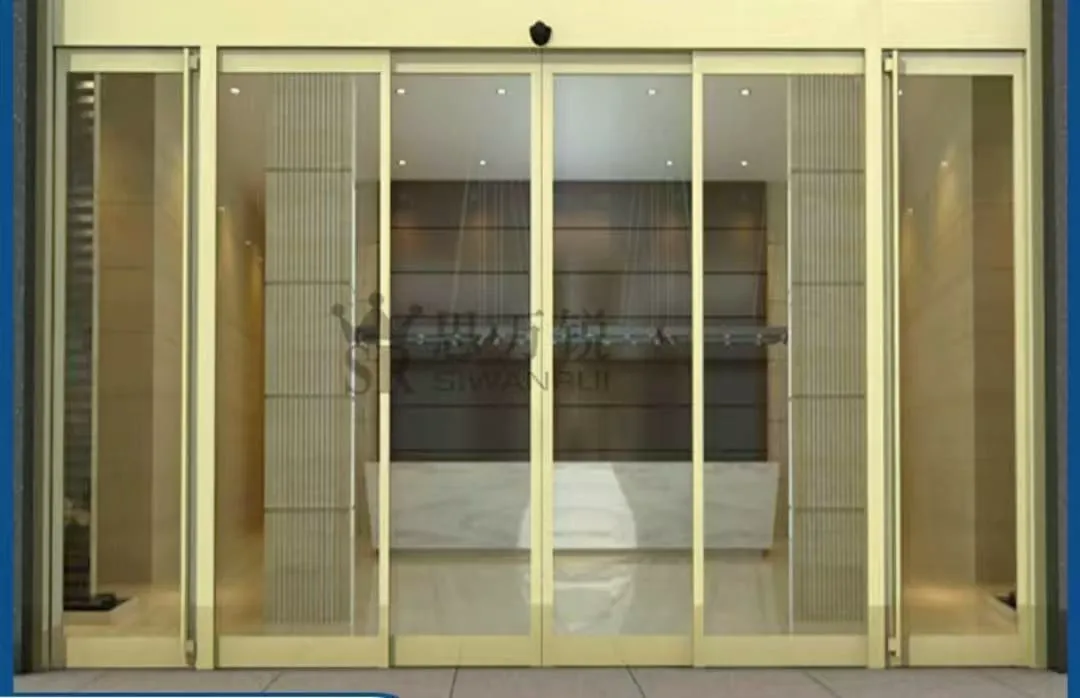
Framed glass shopfront door showing the machine, frame and surrounding clearance that must be assessed before adaptation.
3. Check clearance and movement, not just width
Measure the doorway and photograph it with nearby walls and furniture visible. A nominal opening can still be hard to use if a handrail, reception desk or display forces a wheelchair to approach at an angle. For a swing arrangement, the leaf can occupy the waiting area as it opens; for a sliding arrangement, the side space and track must remain clear. Ask whether the door can open fully without striking a wall, sign or another leaf.
Observe the closing cycle from a safe position. Older users may need to stop inside the opening to regain balance, and a companion may follow a few seconds later. The operator settings, hold-open behaviour and safety sensing should be considered together. Do not wedge the door open or adjust controls yourself. If clearance cannot be achieved with the existing layout, the decision may involve moving obstructions or choosing a different door arrangement, subject to an on-site review.
- Record clear opening width, door-leaf type and the space needed for a turning movement.
- Check whether the door path is level and free of furniture, bins, parcel racks and parked trolleys.
- For swing doors, note the arc and where a slower user would stand while waiting.
- For sliding doors, check pocket or side-space, track condition and access for maintenance.
4. Match the operator and door construction
An automatic operator is selected around the actual door. Door-leaf weight, opening dimensions, daily usage, wind or draughts, noise expectations and available spare parts all matter. A heavy glass leaf that moves acceptably in a quiet showroom may behave differently at a busy estate entrance. Ask the contractor to identify the existing machine, its label information and whether the proposed operating range is supported for that door.
For an existing glass entrance, adaptation is not a simple motor swap. The door leaf, load path, headroom or track space, frame, glass hardware and fixing condition need inspection. Glass specification, cut-outs and surrounding environment must be reviewed together. At a humid or coastal site, corrosion risk can affect fittings and sensors, so material and finish should be discussed before work is planned. Any concern about cracked glass, loose hardware or structural movement should stop informal testing until inspected.
- Tell the installer the door-leaf material, approximate dimensions and any visible fittings.
- Ask that weight, opening size, frequency and environment are assessed together for the operator.
- Inspect glass edges, patch fittings, rails and fixings for movement, chips or contact marks.
- In coastal or damp locations, discuss corrosion-resistant materials and suitable surface treatment.
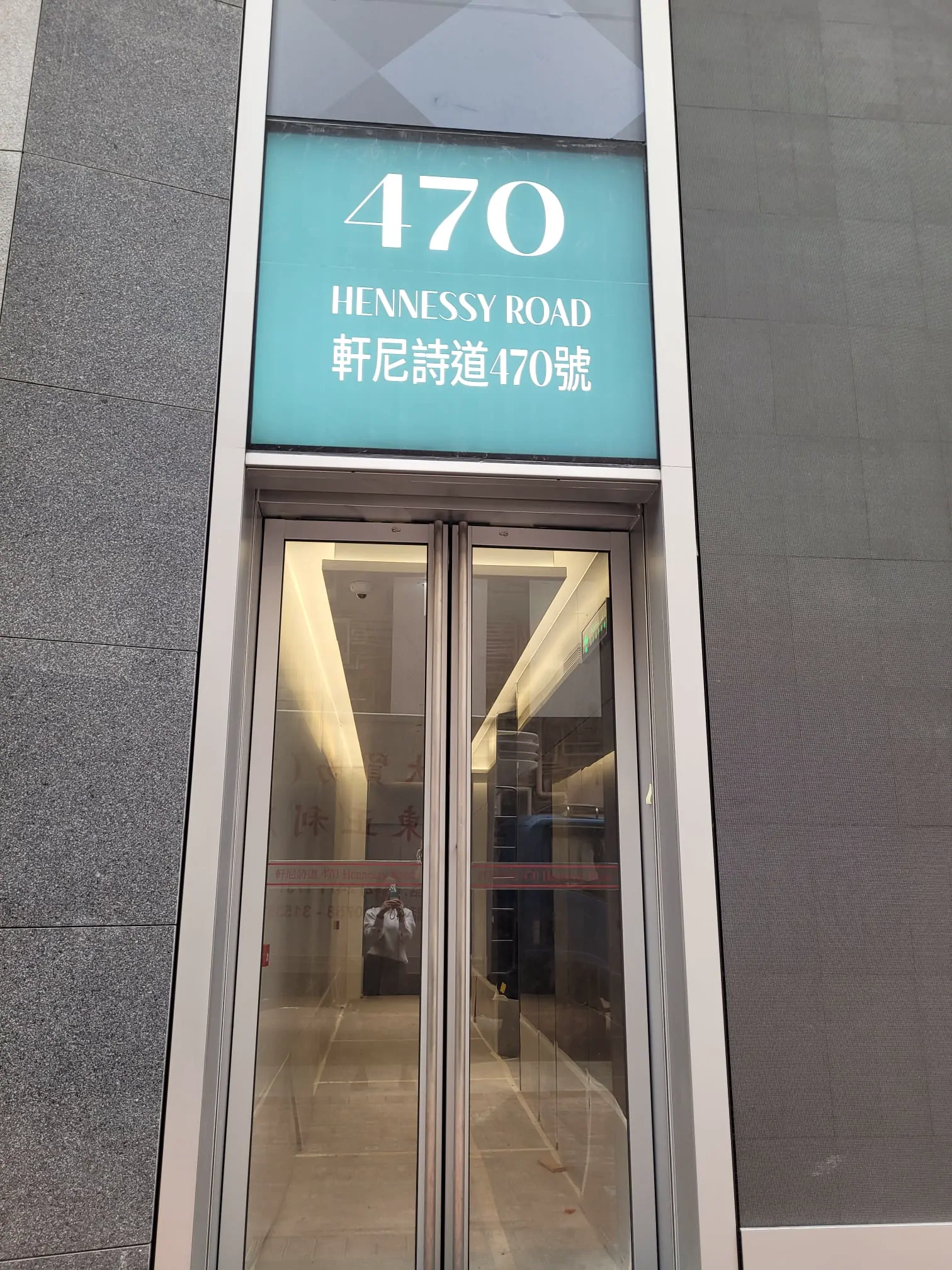
Glass automatic entrance in a commercial setting; observe the door edge, floor path and sensor zones from both directions.
5. Agree the control and outage logic
A person using a mobility aid needs a predictable response from the entrance, including when electricity or a control signal is interrupted. Discuss whether the door should remain available, release, or be managed manually during a power cut, and whether a backup supply is appropriate for the use. Access control can add another delay or change the trigger sequence, so test the complete chain rather than testing the card reader and door separately.
Fire, escape and accessibility questions depend on the building, occupancy and responsible design decisions. The contractor can describe the door’s general operating behaviour and interfaces, but should not give a remote compliance conclusion. Ask the relevant professionals for confirmation of the final arrangement, then ensure staff know what the door should do in normal operation, locked operation and an outage.
- Confirm how the door releases during a power cut and whether a backup supply is required.
- Map the relationship between access control, the automatic operator and any emergency release.
- Ask who will verify fire or escape interfaces for this particular premises.
- Keep a written record of normal, locked and outage behaviour for staff.
6. Maintain a predictable entrance
Routine care is simple but valuable: wipe sensor faces with suitable materials, keep the floor and track perimeter clear, and listen for changes in the opening and closing sound. A new rattle, longer pause, uneven speed or repeated reversal is an observable sign worth recording. Do not force the leaf, bypass a sensor or alter operator settings to make the door appear faster; those actions can hide the underlying fault.
For an initial remote review, send an entrance-wide image from each side, close-ups of the threshold and hardware, the machine label, and any indicator lights. Include a short clip with sound showing one normal cycle and the problem cycle. These materials help identify whether an on-site visit should focus on sensing, alignment, access control or the operator, but they cannot verify load capacity, concealed fixings, glass integrity or fire-system wiring. WhatsApp photo enquiries are welcome when you are unsure what to record.
- Clean activation and safety sensor faces on a planned schedule.
- Keep the track, threshold and swing area free of grit, tape, packaging and stored items.
- Log scraping, rattling, delayed starts, repeated reversals or a leaf that drifts.
- Provide the technician with full-entrance photos, the machine label and a sound video.
Common questions
Is any automatic door suitable for a wheelchair or walking frame?
Not necessarily. A low-force or slow-moving setting may help, but safe operation also depends on sensor coverage, clear approach space, threshold condition, door weight, opening width and closing behaviour. Ask for the complete door arrangement to be checked while a typical user approaches with the aid they normally use.
Can the opening sensor also provide safety protection?
They perform different jobs. The activation sensor detects an approach and asks the door to open; the safety sensor monitors the door area and helps prevent contact while it moves. One cannot replace the other, so both functions should be identified and tested during a service visit.
What should I send before asking for advice?
Take a full entrance photo from outside and inside, close-ups of the threshold, frame, hinges or sliding track, and a picture of the machine label and indicator lights. A short opening-and-closing video with sound can reveal hesitation, scraping, repeated reversing or unusual noise. Photos cannot confirm load capacity, wiring, fire linkage or hidden glass and fixing conditions, so those require an on-site check.
What about power failure, access control and fire systems?
The logic should be agreed during design. Consider how the door behaves during a power cut, whether a backup supply is needed, how access control releases the door, and what fire-related interfaces apply to the premises. General principles are not a compliance decision; the site’s responsible specialists must confirm the final arrangement.
Share entrance photos on WhatsApp
If the entrance is difficult to assess remotely, send a short WhatsApp video with sound, a photo of the full entrance, and a clear photo of the door-machine label. We can use those images to identify what needs checking next; an on-site review is still needed for final suitability.