
When an automatic door appears to open by itself, open again after closing, or cycle continuously, it is usually reacting to an input rather than acting at random. The input may come from a motion or presence sensor, a safety sensor, an access-control device, wiring, the door operator, or the moving door itself. In a Hong Kong shop, office, clinic, estate entrance or shared public area, the first priority is predictable and safe movement through the doorway. This guide explains what to observe safely, what can be checked without dismantling anything, and when an experienced technician should examine the system.
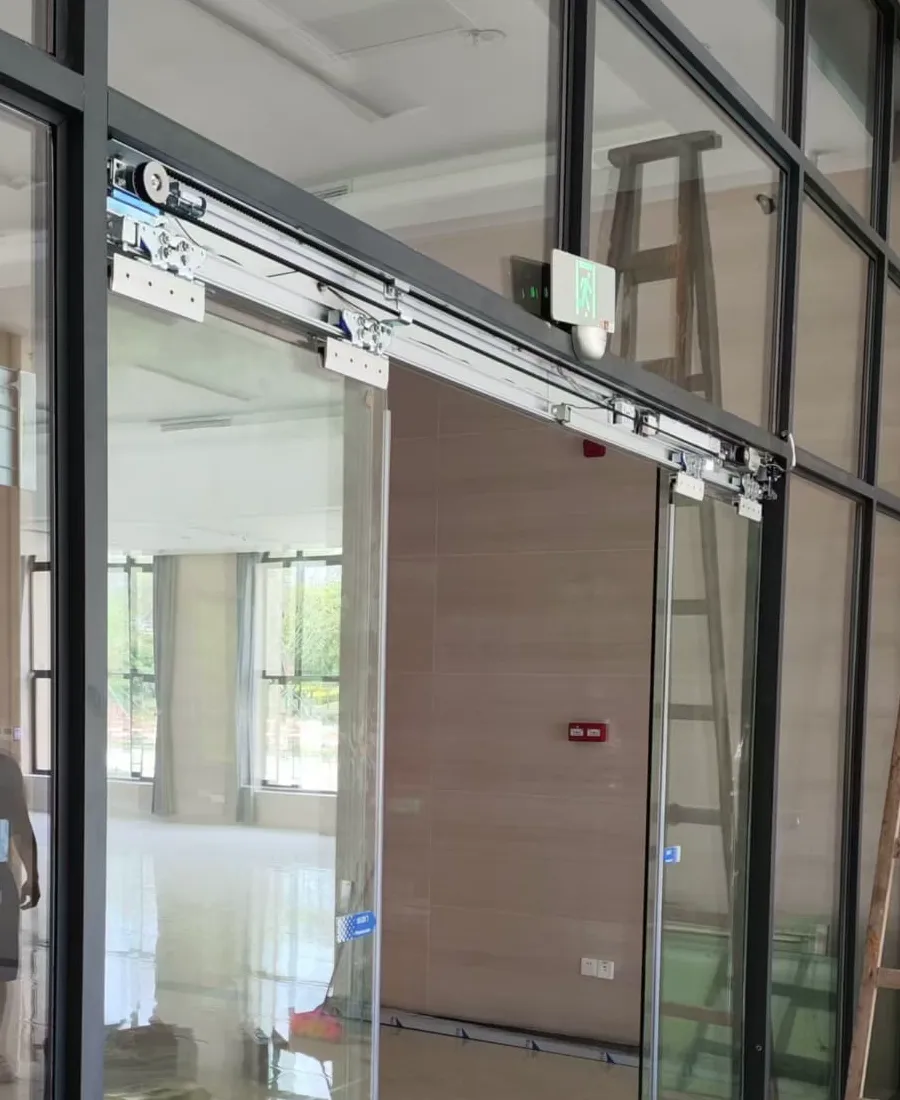
Automatic-door operator and rail components above a glazed entrance.
First identify the opening pattern
Begin with the sequence, not with a component. Does the door open when nobody is near it? Does it close almost fully and then reverse? Does it stay open for longer than expected, or does it close and immediately open again? These patterns point to different parts of the system. A door that opens while people pass nearby may be receiving a trigger signal; a door that reverses during closing may be responding to its safety protection or to resistance in the travel path.
Observe from a safe distance for several cycles only if the area can be kept clear. Make a note of the time, lighting conditions, whether the entrance is wet or busy, and whether the behaviour affects one leaf or the whole system. At a clinic or estate lobby, also note whether it occurs after a card reader, push plate, intercom or reception release is used. These details help separate a door-control issue from a mechanical one.
- Watch whether reopening occurs before full closure, immediately after closure, or only at certain times.
- Keep the doorway and travel path clear while observing; do not test by standing in the closing path.
- Record a short video from a safe position, including the sound of the door movement.
Trigger sensors may be detecting activity
The activation sensor is intended to detect an approaching person and send an opening command. At a shopfront, it may also respond to activity near the entrance rather than directly in front of the door. Moving displays, fluttering banners, passing trolleys, reflections from glazing, or changing sunlight can affect what the sensor sees. An incorrectly aimed sensor or a setting that is unsuitable for the entrance approach can make the door appear over-sensitive.
Without touching settings, look at the area in front of and beside the entrance. Remove temporary obstacles such as promotional boards, balloons or loose signage that may move in the detection zone. If the problem occurs only at a particular time of day, note the direction of sunlight and any reflections from nearby glass. A technician can then assess sensor position, detection field and configuration against the actual approach route, rather than making a blind adjustment.
- Check that posters, plants, display items and hanging decorations are outside the detection area.
- Look for direct sunlight, reflected light from glass or polished surfaces, and moving signs near the entrance.
- Do not cover or reposition sensor lenses as a permanent workaround.
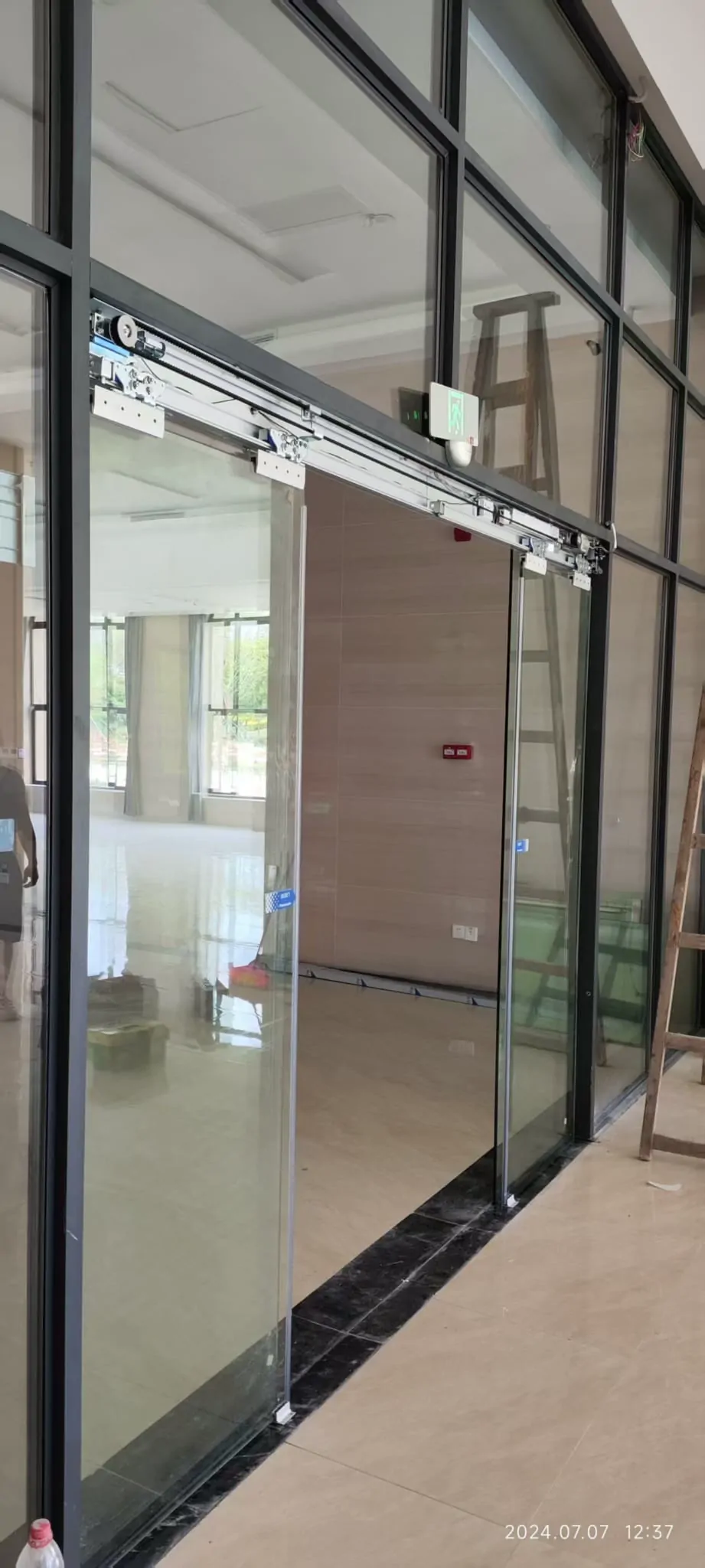
Automatic glass-door system showing the operator area and moving glass panels.
Safety sensors and obstructions need separate checks
Door-area safety sensors are designed to detect people or objects in the path of a moving door. They may cause a closing door to stop or reopen when they detect something in the protected area. Their role is different from that of an activation sensor, and one cannot substitute for the other. A dirty lens, a disturbed alignment, water on the floor, an object near the threshold or an unusual reflection can all require attention, but the correct response depends on the equipment and the site conditions.
From outside the travel path, inspect for obvious items close to the door leaves, floor guide and track. Packaging, cleaning tools, grit, a displaced mat or a wheeled item can interfere with normal movement or sensing. Cleanliness helps, but do not open covers, alter wiring or tape over a sensor. If the door reverses with a clearly empty door area, or if it behaves differently in rain or humidity, record that observation and arrange a proper check.
- Check whether the door reverses when the bottom or side safety area is clear.
- Clean only accessible external sensor faces gently, following the equipment guidance.
- Keep the threshold, floor guide and rail surroundings free of litter and loose objects.
Access control and operating logic can hold a door open
Automatic doors may receive opening commands from more than one device. A card reader, touchless button, push plate, intercom release, reception switch or building control connection can keep sending or repeating a signal. A door that remains open after a particular device is used may therefore be responding correctly to an unwanted command, rather than failing to close on its own. Intermittent wiring or a device exposed to moisture can also produce inconsistent behaviour.
Identify every control associated with the entrance and note which one was used immediately before the fault. Check for a stuck push plate, a damaged visible cable cover, water around an external device, or an indicator light that changes unexpectedly. Do not make assumptions about any fire interface, emergency release or power-failure mode. These arrangements must suit the actual entrance and relevant professional requirements, so changes should be assessed on site rather than improvised.
- Note whether the problem follows use of a card reader, keypad, push plate, intercom or reception release.
- Photograph external control devices and visible indicator lights.
- Do not disconnect access-control or emergency-related wiring to test the door.
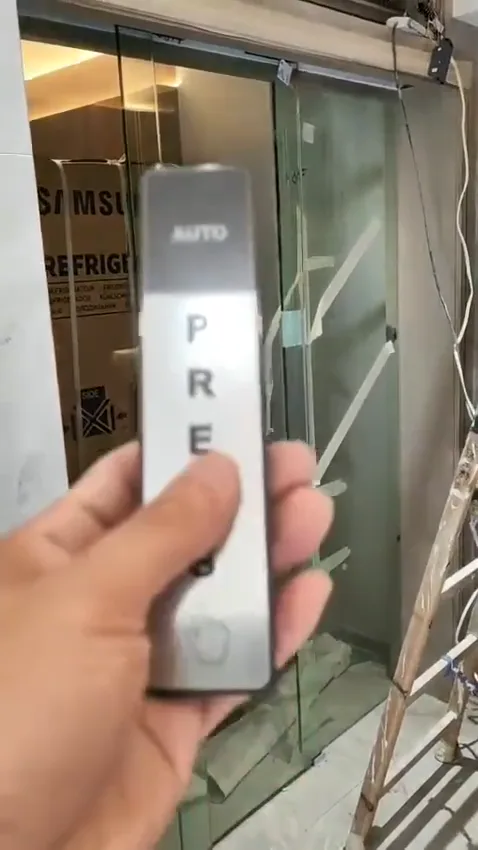
Touchless control and sensor equipment used with an automatic entrance.
Resistance in the door movement can trigger a reversal
The operator monitors the door movement. If the leaf meets unexpected resistance, the system may stop, reverse or fail to complete its cycle. Common visible contributors include debris in the track area, a damaged floor guide, rubbing seals, loose fittings or a door leaf that no longer travels smoothly. The sound is useful evidence: a scrape, knock, vibration or strained motor noise can help distinguish resistance from a simple sensor trigger.
Do not push, pull or wedge the door to make it complete a cycle, especially where glazed leaves are fitted. Existing glass doors are not automatically suitable for alteration; the leaf, load-bearing arrangement, available rail space, frame and glass hardware all need review. In coastal, humid or higher-corrosion locations, material condition and suitable corrosion-resistant finishes may also be relevant. A site inspection can check the moving assembly and the operator together.
- Listen for scraping, knocking, repeated impacts or a change in motor sound.
- Look for dirt or loose objects around the track, floor guide and door edges.
- Do not force a glass door leaf or attempt to realign it yourself.
Common questions
Does repeated opening mean the operator has failed?
Not necessarily. A door can reopen because a safety sensor detects a person or object, a trigger sensor continues to see movement, an access-control device is sending a signal, or the door is meeting resistance. The pattern of the fault matters more than the fact that the door reopens.
What should we do while waiting for inspection?
Keep people clear of the doorway and do not cover, disconnect or adjust the sensors to force the door shut. Note whether the issue happens only in certain light, weather or busy periods. Clear loose items from the track area, then arrange inspection if the door still behaves unpredictably.
What photos and videos help with an initial diagnosis?
Useful material includes one wide photo of the complete entrance, a close photo of the operator label, photos of any indicator lights, and a short video showing a full opening and closing cycle with sound. If an access-control reader, push plate or intercom is fitted, include it in the wide photo.
Send a WhatsApp photo enquiry
If the behaviour continues, send us WhatsApp photos of the entrance, operator label and indicator lights, plus a short opening-and-closing video with sound. We can help identify the next checks.