
An automatic sliding door that does not open can leave staff, visitors and residents uncertain whether the problem is electrical, sensor-related or mechanical. Before anyone resets equipment or tries to force the panels, make six simple observations. They help keep the entrance safe and give a repair team information that is genuinely useful for a first assessment.
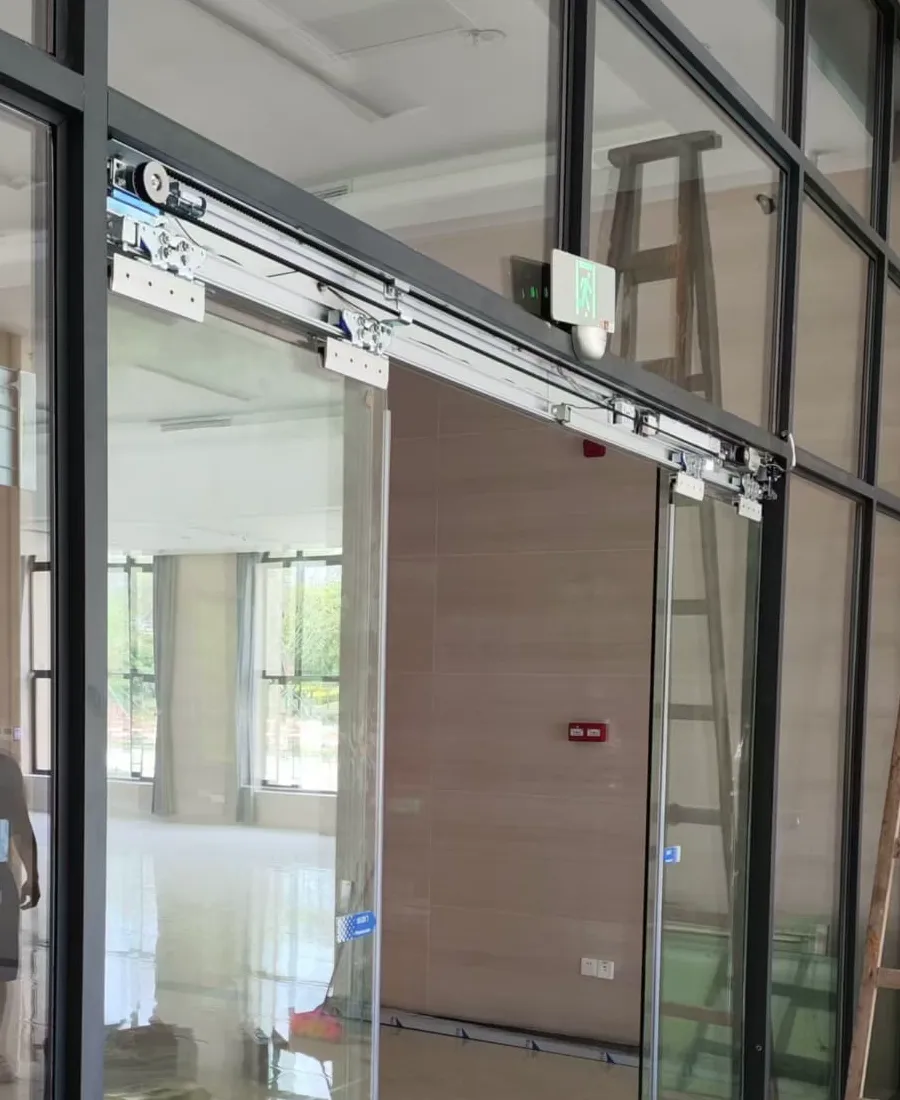
Automatic-door operator and rail components visible above a sliding entrance.
1. Check the entrance before the equipment
Stand back and look at the whole doorway. Is a door panel visibly out of line, partly open, pressed against an object, or blocked by a trolley, mat, display stand or loose item near the threshold? In a shop, clinic, office lobby or residential common area, temporary items often migrate towards the entrance during a busy day. Remove only loose, clearly safe items from the walking route; do not pull, push or lift a door panel into position.
Listen without getting close to the moving path. A repeated click, a hum, scraping or a brief attempt to move is useful evidence, even though it does not identify the fault by itself. If the doorway forms part of an escape arrangement, provides essential accessible access, has broken glass, or cannot be used safely, do not treat this as a remote troubleshooting exercise. Keep the area managed and obtain suitable on-site assistance.
- Keep people clear of moving panels and the threshold.
- Do not force the door, open the operator cover or handle wiring.
- If the entrance is needed for escape or accessible passage, arrange safe on-site management promptly.
2. Observe the visible power and control state
Many operators have a visible display, selector or status light, although their meaning varies by model. From the floor, note exactly what is shown: no light, a steady light, a flashing light or a message. Also note whether the door is closed, held open or partly open. A photograph taken straight on is often clearer than a description passed between staff, especially where shifts change during the day.
A power interruption can affect more than the operator. Ask whether nearby lighting, a door-release device or another entrance control changed at the same time, but do not open the operator cover, reset electrical protection or alter wiring. The door may also be deliberately set to a locked, one-way or hold-open mode. The useful decision point is whether a visible control state changed, not whether someone can safely make the door move by trial and error.
- Note whether the operator’s visible indicator is lit, flashing or blank.
- Record the observed state; do not reset breakers or touch internal electrical parts.
- Check whether nearby lighting or other equipment also lost power.
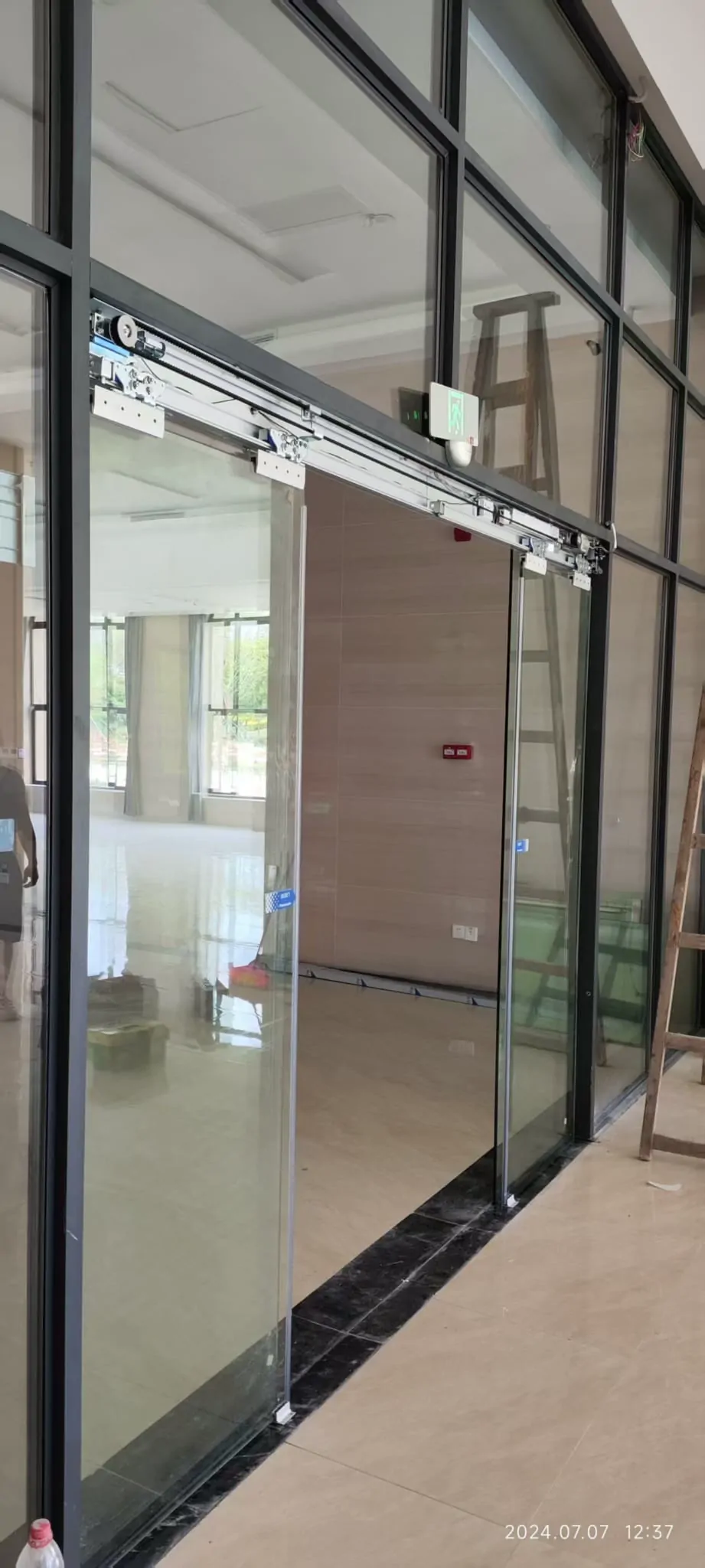
Glass-door entrance with automatic-door operating components.
3. Test the activation sensor separately
Try one normal approach from the side that should trigger opening. Then step back and repeat once, allowing a clear view of the sensor area. If possible, make a short video showing both your position and the door. Reflections from glass, a newly fitted sign, strong sunlight, altered furniture or a dirty sensor face can change what the sensor sees. Cleaning around the sensor zone may be sensible if it can be done from ground level without moving equipment.
Do not assume that every sensor above the doorway serves the same job. The activation sensor tells the system that someone wishes to enter or leave. A safety sensor monitors the door area so that people are protected during movement. Their functions are different and one cannot replace the other. If the door opens from a push button or reader but not from a normal approach, that pattern is worth reporting; it is not a reason to bypass the protective equipment.
- Approach from the normal opening side and keep clear of the panels.
- Film one normal approach and one deliberate pause outside the sensor area.
- Do not cover, dismantle or re-aim sensor units.
4. Look at the safety zone, track and glass
With nobody passing through, look along the opening and closing path. A safety sensor may continue to detect a person, a display item, a hanging notice or an object close to the panels. The resulting behaviour can be a door that stays open, reverses, pauses or refuses to start. Note which of these happens and whether it occurs from both sides. Do not lean into the doorway or try to defeat a sensor in order to make the door close.
Inspect the visible floor guide and surrounding track area for stones, packaging, water, a curled mat edge or other debris. Regular cleaning and keeping the track zone clear can prevent some early problems. Also look for cracks, chips, loose glass fittings or a panel that appears to sit unusually low or high. Glass type, size, weight, openings and use environment must be considered together; visible glass or hardware damage needs an on-site assessment rather than adjustment by occupants.
- Look for people, objects, mats and loose packaging near the door path.
- Check the floor track and guide area only from outside the moving panels.
- Keep the glass and frame untouched if anything looks loose or damaged.
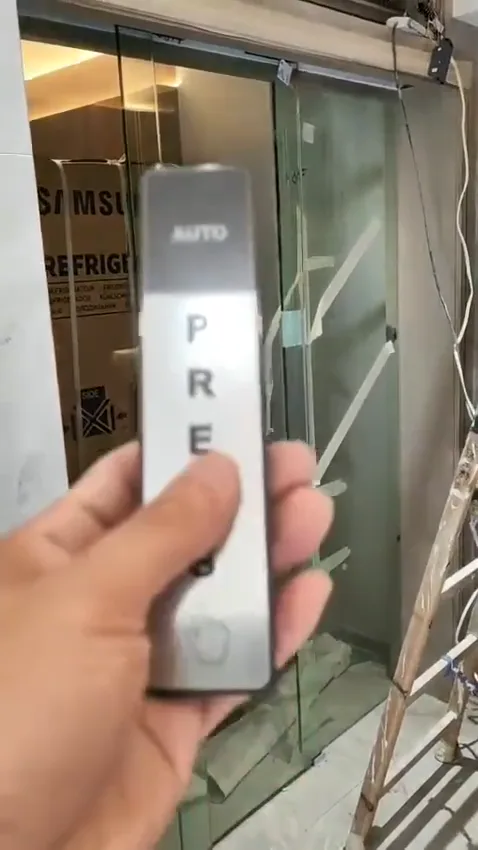
Touchless control and sensor-related equipment at an automatic entrance.
5. Separate access control from door operation
At offices, residential entrances and some clinics, a reader, release button, intercom or timed schedule can affect whether the automatic door opens. If you are authorised to use them, observe whether the door responds to the normal reader or release button and whether the issue is limited to entry, exit or both. Include that result in your report. It helps distinguish a general lack of movement from a problem in the command path, without anyone changing settings they do not manage.
Backup power, access control, fire linkage and the intended behaviour during a power failure should be agreed at the design stage and verified for the particular site. Their on-site logic varies, so a door behaving differently after a power event should not be treated as proof of a particular fault. Do not change locks, emergency controls or interface settings to restore convenience. Where fire, escape or accessibility requirements may be relevant, confirm the correct arrangement for the premises with the appropriate professionals.
- Test authorised readers or push buttons only as intended.
- Note whether the problem is on entry, exit or both.
- Do not alter fire-interface, backup-power or locking settings.
6. Gather evidence and know when to stop
For a useful remote first look, send an entrance-wide photo showing the panels, frame and nearby sensor area. Add a close photo of the operator label, the visible selector or indicator lights, and the floor guide if relevant. Then make a short video with sound: begin with the door closed, show a normal approach or authorised command, and keep the entire doorway in view. State when the problem started and whether it followed cleaning, a power interruption, moving items nearby or an unusual sound.
These checks can identify visible patterns, but cannot safely confirm concealed wiring faults, worn internal parts, alignment, load condition or the suitability of the existing installation. Stop immediately if glass is damaged, the door moves unpredictably, there is a burning smell, the panels bind, or a safety or access route is affected. Do not force the door or remove covers. A technician may need to inspect the operator, rail, door panels, sensors and control interfaces together before deciding what is required.
- Take a wide entrance photo and a close photo of the operator label.
- Capture indicator lights clearly.
- Record a short opening attempt with sound from a safe position.
Common questions
The door will not move at all. What should we do first?
Check the entrance for immediate obstruction first, then observe the operator display or indicator lights without opening covers or touching wiring. Record whether the door reacts to a sensor, access-control reader or manual release. If the doorway is part of an escape route, is needed for accessible access, or cannot be kept safely usable, arrange appropriate on-site attention rather than attempting a workaround.
Is the opening sensor the same as the safety sensor?
Not necessarily. An activation sensor asks the door to open, while a door-area safety sensor is intended to protect people in the moving area. A fault in either can stop normal operation, but they have different functions and cannot simply substitute for one another. A video showing where someone stands and how the door responds is more useful than assuming which sensor has failed.
What photos and video help with a remote first assessment?
Send one wide photograph of the complete entrance, a close photograph of the operator label if it is visible, and photographs of any display or indicator lights. Add a short video with sound showing an attempted opening from a safe distance. Mention whether the fault affects both directions, whether access control is involved, and whether the problem began after cleaning, moving furniture, a power interruption or unusual noise.
Send photos on WhatsApp
If the door is still not opening, send us a WhatsApp message with an entrance-wide photo, the operator label, any indicator lights and a short video with sound. We can review the visible symptoms and advise the sensible next step.