
A power cut is not just an electrical question. The door, access control, safety sensors, emergency release, backup supply and the building’s operating plan must produce a predictable result together. Before choosing a setting, decide who needs to pass, what must stay secure, how people can leave, and who is authorised to reset the system when power returns.
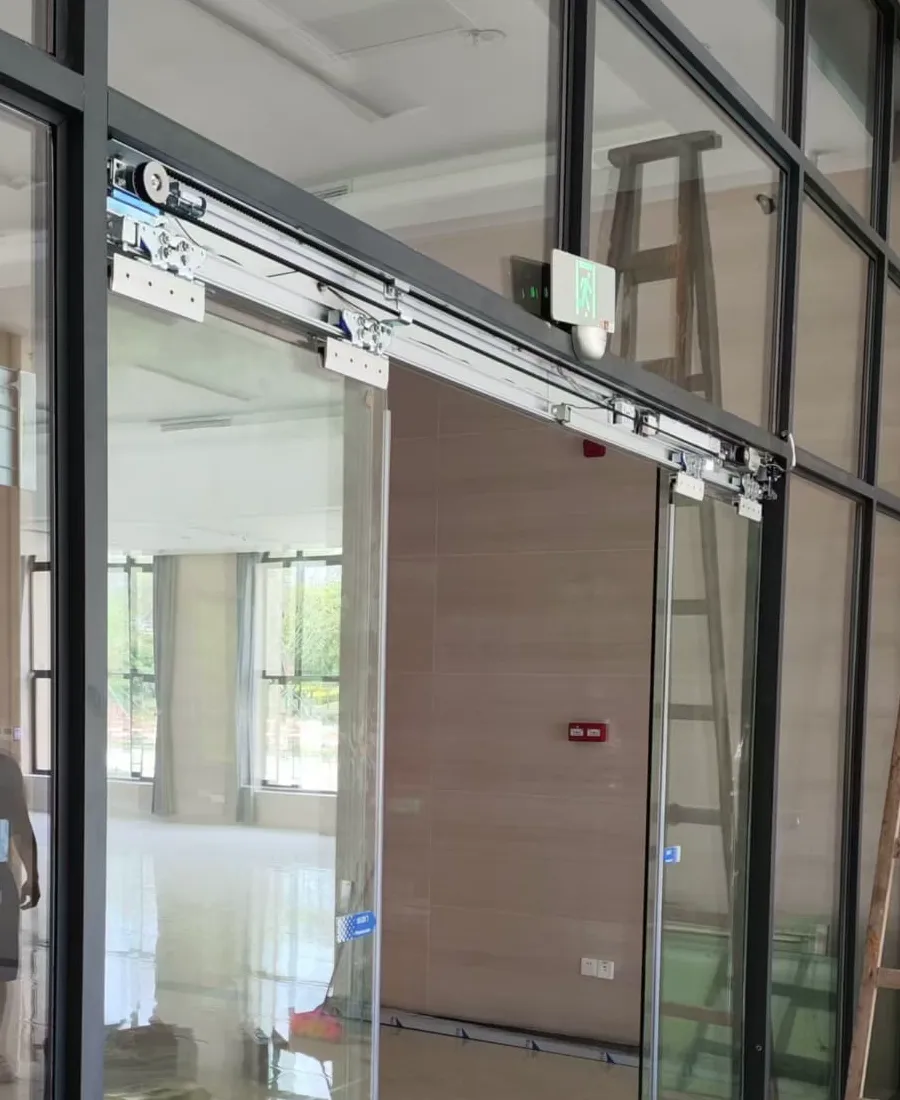
Automatic door operator and rail components shown for identifying power, movement and maintenance points.
1. Define the intended state
Start with the people and the route, not with a menu setting. A clinic may need a clear passage for patients, while an office or shop may need the entrance secured after staff leave. An estate lobby may have different rules overnight. Record the expected position of the door leaves, whether a person can push or pull them safely, and whether an authorised key or release device is available. If the entrance is part of an escape route or has fire-related equipment, obtain the relevant professional advice before changing the behaviour.
Confirm the plan with the door contractor, access-control provider and building management. A power-failure state can be affected by the lock type, door closer, operator gearbox, battery, control relay and any signal from a fire or building-management system. The written sequence should say what happens at loss of mains, when the battery is low, and when mains power is restored. Staff should know which indication is normal and which condition means the entrance must be taken out of service.
- Write down the intended state: open, closed, unlocked, manually operable or another defined arrangement.
- Separate normal business access from evacuation, fire and accessibility requirements; confirm those interfaces with the relevant professionals.
- Check how the door will be reset when power returns, including whether it must complete a learning cycle or manual release sequence.
2. Make safe, observable checks
During an outage, first keep users away from the moving leaves and pinch points. From a safe position, look at whether the door is fully open, partly open or closed, and whether the lock is holding. Check for obvious objects in the threshold, a displaced floor guide, damaged glass, a hanging cable or an alarm indicator. Listen for clicking, grinding or repeated motor attempts, but do not keep activating the sensor to make the fault repeat.
A useful record includes the entrance in a wide view, the operator and control-box labels, indicator lights, reader or push button, lock area and floor track. Note whether other doors on the same supply have also lost power. Do not remove covers, bypass a safety input or connect a temporary supply. If a manual release is labelled and staff have been trained, follow that specific procedure; otherwise leave the door in the safest known condition and contact the responsible maintenance person.
- Identify the mains isolator, operator model, battery pack, lock, reader and emergency release without opening live electrical covers.
- Check indicator lights and display messages before cycling the door; note the time and whether the outage affects other equipment.
- Keep the movement zone and floor track clear, and never place a wedge or object under a moving leaf.
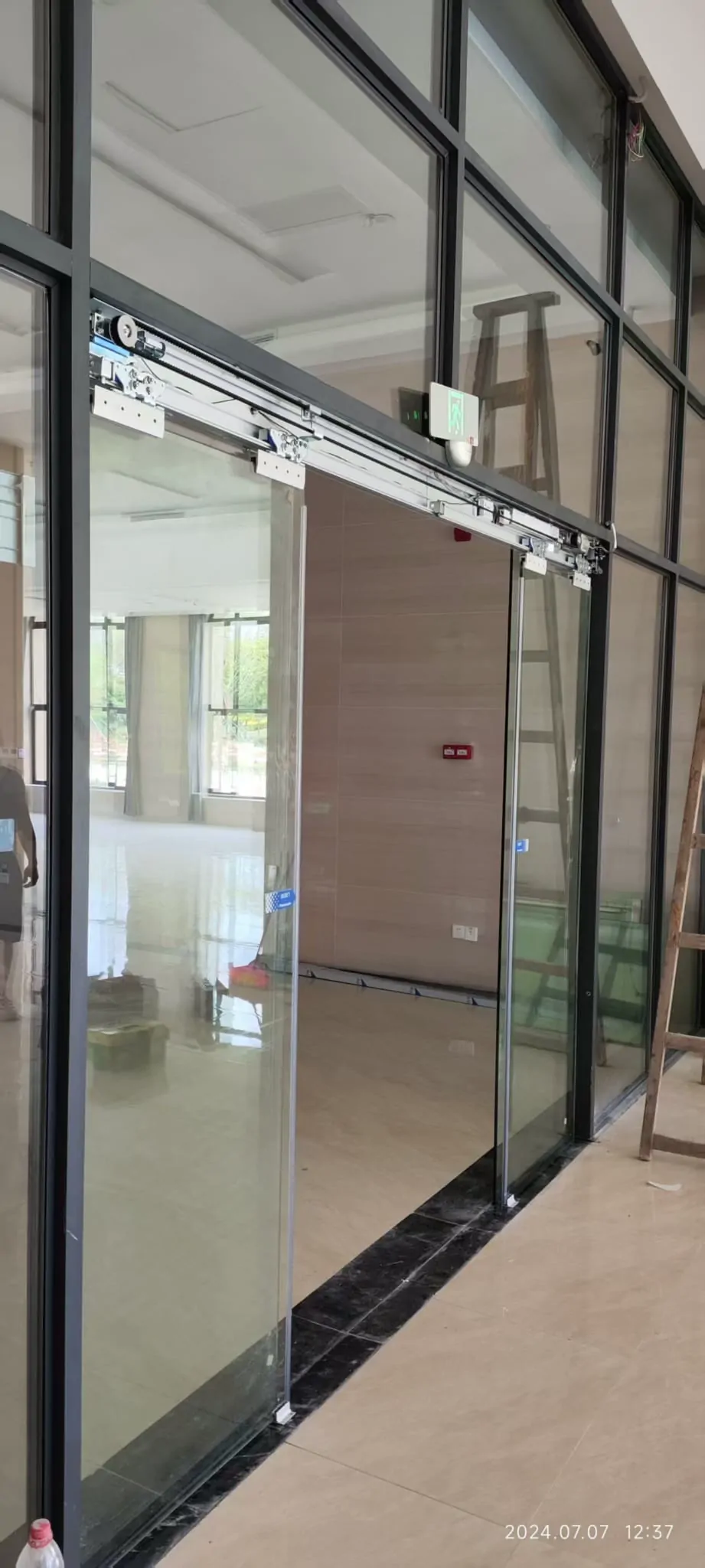
Glass automatic-door assembly showing the operator, glass leaves and associated hardware without identifying a particular site.
3. Keep sensors and access logic distinct
The activation sensor tells the operator that someone wants to pass. The safety sensor monitors the danger area and should inhibit or reverse movement when a person or obstruction is detected. During a power failure, one may lose supply before the other, or a battery-backed controller may show a sensor fault. A door that opens from a reader but closes onto a person is not made safe by adding a stronger activation signal.
Access control adds another layer. The reader, request-to-exit input, electric lock, break-glass unit and operator must agree on the release order. Test the planned sequence with the access-control specialist: loss of mains, low battery, manual release, fire or building signal where applicable, and restoration. Record who can release the door, whether entry and exit differ, and how the system prevents an unauthorised reset.
- Treat the activation sensor and the door-area safety sensor as separate devices with separate jobs.
- Check that the activation sensor requests a movement while the safety sensor prevents contact or closing on a person or object.
- Clean sensor covers and the surrounding field gently, then observe whether the indication changes; do not alter settings without a controlled test.
4. Verify backup power and recovery
A backup battery is not a universal guarantee of operation. One design may provide enough energy for a controlled opening; another may keep access-control electronics running while the operator remains stationary. The door weight, opening width, usage frequency and friction all affect the load. Ask for the designed sequence and the low-voltage response, rather than relying on a general statement that the system is battery backed.
Recovery matters as much as the first movement. When mains power returns, the controller may need to reinitialise, find a reference position or wait for a release signal. Observe whether the leaves move unexpectedly, whether the lock re-engages, and whether the sensors report healthy status. Keep a log of test date, result and battery replacement recommendation. If the door is used by people with mobility needs, confirm that the recovery movement and manual force remain appropriate for the actual entrance.
- Ask what the backup supply supports, for how long, and what the door does when its charge is low.
- Confirm whether the battery can move the leaves, release the lock, power sensors, or only preserve controller memory.
- Schedule a documented test after installation and during maintenance, including restoration of mains power.
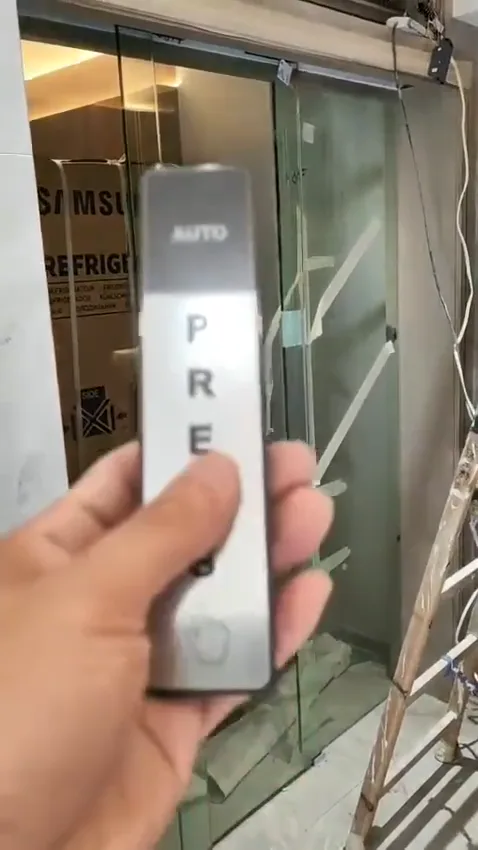
Access-control and touchless sensor controls illustrating the separate inputs that influence door release and safety.
5. Check the door before changing hardware
If an existing glass door is to be converted or given a new backup arrangement, begin with the physical door. Check the leaf condition, support points, rollers or hinges, floor guide, frame stiffness, glass hardware, clearances and the space available for the operator and rail. A heavier leaf or a narrow overhead area can change the suitable equipment. Do not select a motor from door thickness alone; glass type, size, weight, holes and the environment must be considered together.
Selection also depends on expected usage, noise tolerance, surroundings and future parts support. In a humid or coastal position, ask how corrosion risk will be managed through material choice and surface treatment. The contractor should explain what must be replaced, what can remain, and what tests will prove safe movement. Where structure, fire separation, escape or accessibility is involved, arrange the relevant site assessment rather than treating a retrofit as a like-for-like swap.
- For a retrofit, inspect door-leaf condition, hinges or rollers, structural support, glass fittings, frame, track and available operator space.
- Consider glass type, dimensions, weight, cut-outs and environment together; thickness alone is not enough.
- In coastal or damp locations, assess corrosion-resistant materials and finishes for the operator, fixings and control hardware.
6. Know what remote advice can and cannot establish
Clear images can narrow the likely equipment family and show practical clues: an unlit controller, a displaced rail cover, an obstruction in the safety field or an access reader that remains powered. A sound recording may distinguish a relay click from repeated motor strain. Label the images with the door position and time, and avoid showing personal data on access-control screens.
Remote review cannot verify concealed wiring, earth protection, battery capacity under load, glass make-up, fixing strength, emergency interfaces or the actual force and timing of movement. It also cannot certify fire, escape or accessibility performance. Use the initial observations to decide whether the door should remain closed, be manually supervised, or receive an urgent site visit. Send photos on WhatsApp for an initial check, and arrange an inspection when the decision affects safety or continued public use.
- Provide a wide entrance photo, close-ups of the operator label and indicators, and views of the lock, reader, floor guide and track.
- Include a short opening-and-closing video with sound, plus a note of what happened immediately before and after the power loss.
- State the door type, approximate use pattern, site environment and whether the issue affects entry, exit or both.
Common questions
Does every automatic door need a backup battery?
Not necessarily. A battery may keep the controller, sensors or access-control equipment alive for a limited period, but its capacity, age and charging condition must be verified. Some systems use a battery only to complete one movement, while others support a defined standby period. Ask the installer what the backup is designed to do, how the door behaves when the battery is low, and how it is tested. Do not assume that a battery automatically provides an emergency or fire function.
What should staff do when the door stops during an outage?
Do not force the door or repeatedly trigger it. Keep people clear of the moving leaves and call the responsible facilities or door-maintenance contact. If a manual release is clearly labelled and staff have been trained to use it, follow that procedure. Otherwise, record the entrance, operator label, indicator lights and the sound of the fault from a safe position. Fire, smoke, evacuation or accessibility concerns should be referred to the appropriate building and safety professionals without delay.
Can the access-control setting decide the door behaviour by itself?
An access-controlled door must be considered as a complete system. The reader, lock, break-glass device, request-to-exit input, operator, sensors and any backup supply can each affect the result. For example, the operator might have power while the lock remains engaged, or the door may release but still be unable to move because of a mechanical obstruction. The intended state and the release sequence should be written down, tested and explained to staff.
Which photos help with a remote first check?
A short video is useful for an initial assessment when it shows the full entrance, the operator label, indicator lights and the sound before and after the failure. Also provide photos of the door leaves, floor guide or track, frame, lock, reader and nearby power or control boxes. These images can identify missing labels, obvious obstructions or a likely equipment family, but they cannot confirm structural support, glass specification, wiring condition, battery performance, fire interfaces or compliance. Those points need an on-site inspection and, where relevant, specialist confirmation.
Share photos for an initial check
Send a few clear photos on WhatsApp if you want an initial view of the operator, controls and door area. Include a short opening-and-closing video with sound if it is safe to record. We can then advise what needs checking on site; a photo review cannot confirm load capacity, wiring, fire interfaces or final compliance.