
An automatic door that does not open, opens by itself, reverses, or refuses to close can have several causes. The sensor is only one part of the system. The useful first question is: what changed, and at which point in the cycle does the behaviour occur? A calm observation often prevents an unnecessary sensor replacement.
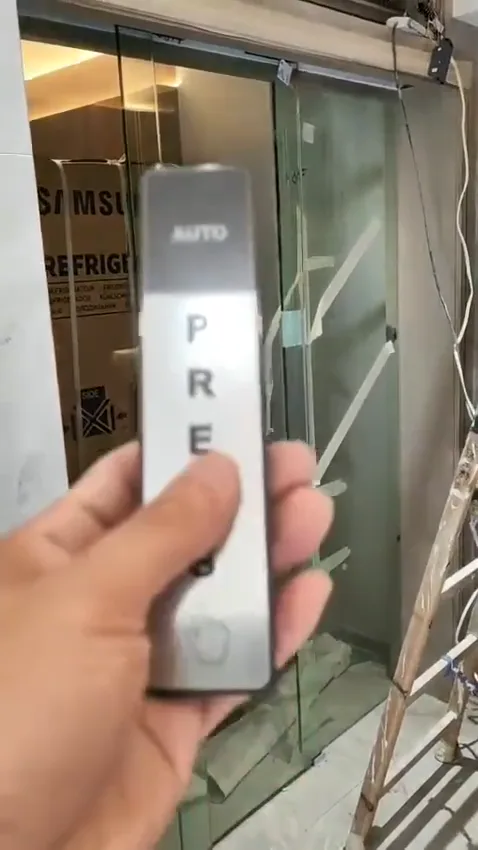
Close view of an automatic door sensor mounted above a glass entrance, showing the visible detection area and indicator window.
1. Describe the exact symptom
Stand to the side of the doorway, outside the moving path, and watch one complete cycle if it is safe to do so. Note whether the activation light responds as you approach, whether the operator starts, and whether the leaves travel smoothly. If the door works intermittently, record the time, weather and traffic conditions rather than repeatedly forcing a cycle.
A door that never reacts may have a power, controller, access-control or activation issue as well as a sensor issue. A door that opens but will not close can be responding to a blocked safety field, an obstruction, incorrect control logic or a mechanical resistance. These observations guide the next check without assuming that the visible sensor is the failed part.
- Does the entrance stay completely inactive, or does it click, beep or partly move?
- Does the problem occur for every person, only from one approach direction, or only at certain times?
- Does the door open but fail to close, close then reopen, or reverse before reaching the frame?
- Has anything changed near the sensor, such as a poster, plant, shelf, reflection or strong draught?
2. Make safe visual checks
Dust, fingerprints, condensation and a shifted bracket can change what the sensor sees. In a Hong Kong shop, clinic or lobby, a new poster, queue barrier or freestanding display may sit inside the sensing field even when the doorway looks clear to a person. Clean only the accessible exterior and keep the sensor face in its original position.
Look along the floor and threshold as well. A trolley, mat edge, loose cable or object beside the track can trigger a safety response or make the door reverse. If you see damaged glass, a loose fitting, exposed wiring, burning smell or a leaf that is dragging, stop testing and arrange professional attention.
- Clean the visible sensor lens or cover with a soft, dry cloth; do not spray liquid into the unit.
- Remove temporary items from the detection and doorway zones, including tape, hanging notices, stock, bins and display stands.
- Check that the sensor has not been knocked, tilted or covered by a new fascia, sign or decorative film.
- Keep hands, tools and children away from the leaves while testing.
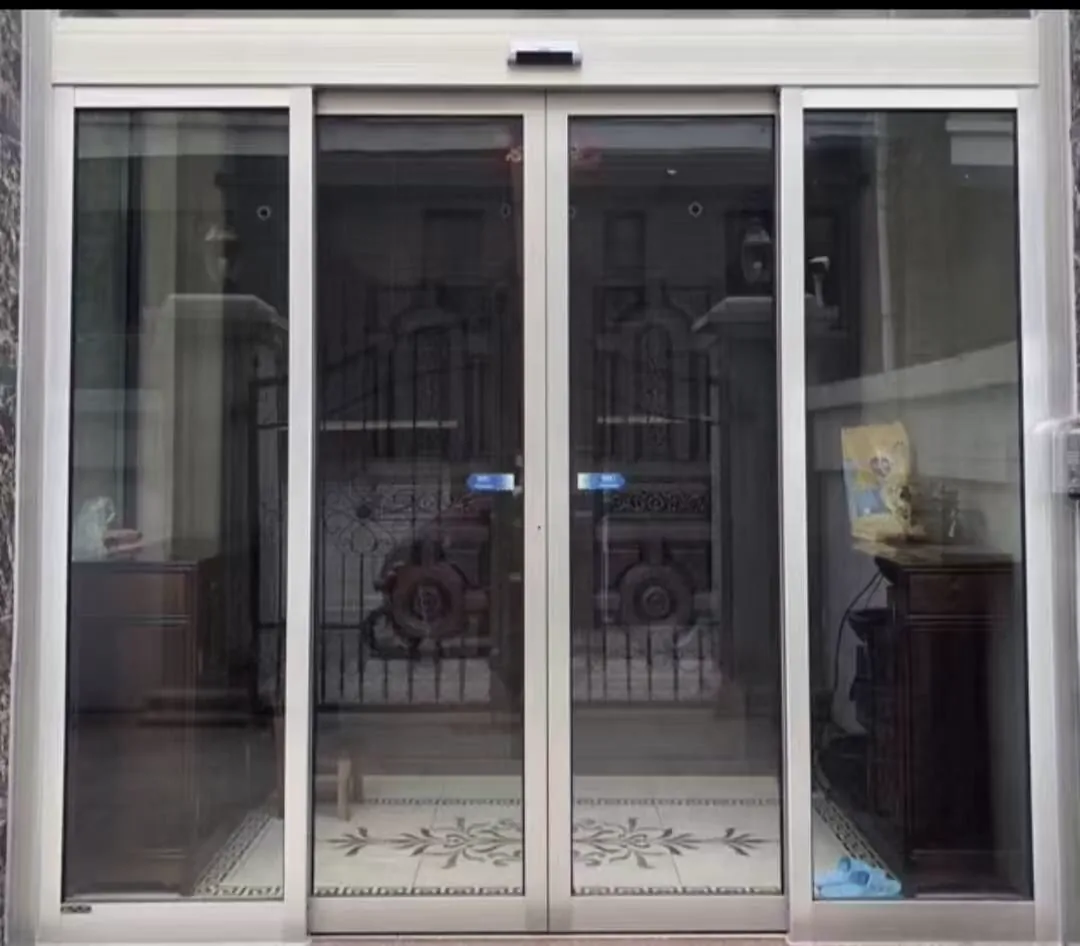
White-framed automatic entrance with the safety zone kept clear of boxes, signs and other obstructions.
3. Separate sensor roles from controls
Approach the entrance from the normal direction, then move away and observe the response. If the activation indicator responds but the leaves do not move, the next suspects include the operator, controller, lock, access-control command or power supply. If the door opens and immediately reopens while the path is empty, look for a safety-field obstruction or a control signal that is being held.
Do not assume that a safety sensor should open the door. Conversely, do not accept a setting that makes the door close without the intended protection. The correct response is established during commissioning for the particular door and surrounding traffic. A technician should verify both sensor functions and the control sequence together.
- Activation sensing requests an opening cycle when a person approaches.
- Safety sensing monitors the door area during movement and can hold or reverse closing.
- The two functions use different inputs and settings; one cannot be used as a substitute for the other.
- A door may be programmed to remain open by access control, fire interface or a fault state.
4. Listen, observe and record
A useful recording starts with the whole entrance, shows the person approaching from a safe position, and includes the complete opening and closing attempt. Keep the original sound. Film the sensor label or operator label separately if it can be read without touching the equipment. Avoid standing in the travel path or asking someone to hold a moving leaf.
Record recent changes: cleaning work, a new sign, a power interruption, building works, access-control changes, water ingress or unusual humidity. Coastal and damp locations may need an assessment of corrosion-resistant materials and surface treatment, but a photograph alone cannot establish the condition of hidden terminals or components.
- Check whether the sensor indicator changes when you approach and when the doorway is clear.
- Listen for grinding, repeated clicking, scraping, or a motor that strains before stopping.
- Look at any accessible status light on the operator or controller without opening the enclosure.
- Note whether the fault follows one door leaf, one direction of approach or the whole entrance.
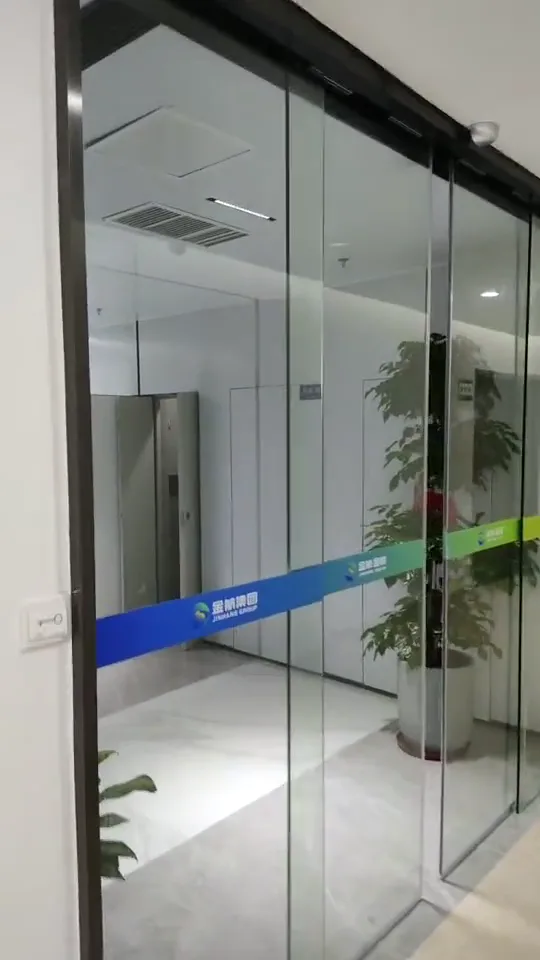
Lobby automatic door during a sensor test, with the full doorway and door leaves visible for checking movement and clearance.
5. Prepare information for a site visit
Photos are most useful when they preserve context. A close-up can show a dirty lens or displaced bracket, while a wide view shows reflections, a queue rail, a mat, a narrow approach or an object in the safety zone. For a glass entrance, include visible fittings and the relationship between the door, frame and floor; do not try to measure or remove glass hardware yourself.
Share what the door does after a reset only if the building’s normal procedure allows it and no safety device is bypassed. Include whether the entrance serves a shop, office, estate, clinic or public area, and whether access control, emergency release or backup power is involved. This helps the technician plan checks, but it does not replace testing on site.
- Provide a full entrance photograph showing both leaves, the header and the approach area.
- Add close views of each sensor, its bracket, visible label and indicator light.
- Include the operator or door-machine label, controller display and any visible fault code.
- Send a short video with sound showing the symptom from outside the moving path.
- Tell us the door type, approximate daily use, location context and what changed before the fault.
6. Know the limits and the next decision
On site, the technician may need to check sensor alignment and field, supply voltage, controller inputs, terminals, door travel, track or hinges, closing resistance, access-control commands and any backup-power or fire-interface sequence. Existing glass doors may require checks of the leaf, load path, track space, frame and glass fittings before any modification is considered. Glass type, dimensions, weight, holes and environment must be considered together, not thickness alone.
If the entrance is exposed to salt air, persistent moisture or corrosive conditions, material and surface-treatment choices should be reviewed as part of the repair. Keep the decision focused on the observed fault and the safe operating requirement. If you want an initial sense of what needs checking, send photos and a short video to WhatsApp; we will indicate the useful next step without treating remote evidence as a final diagnosis.
- Do not continue using a door that traps, slams, drags, exposes wiring or behaves unpredictably.
- Do not wedge the leaves open or disconnect a sensor to keep traffic moving.
- For entrances linked to fire, escape or accessibility arrangements, confirm changes with the responsible professional or building management.
- Replace or adjust equipment only after checking compatibility, mounting and control logic.
Common questions
What is the difference between an activation sensor and a safety sensor?
An activation sensor detects an approaching user and requests an opening cycle. A door-area safety sensor monitors the travel zone and helps prevent the leaves from closing on a person or object. A safety device must not be treated as an opening sensor, and an opening sensor cannot provide the same protection. The correct arrangement depends on the door type, traffic pattern and control logic.
Can I test an automatic door sensor myself?
Observe whether the indicator light changes when you approach, whether the operator makes a sound, and whether the leaves move at all. Check that the sensor face is clean and not blocked by a sign, decoration or temporary storage. Do not open the operator cover or alter internal settings unless a competent technician is responsible. If the door is heavy, scraping, drifting or stopping unpredictably, the sensor may only be reporting a wider mechanical or control issue.
When does a sensor fault need an on-site inspection?
Remote photos can narrow the possibilities, but they cannot prove alignment, cabling, power quality, door weight, track condition or the actual safety response. A technician may need to test the detection field, terminals, controller inputs, opening force, closing behaviour and emergency or access-control logic. Where the entrance is used for escape, accessibility or a public route, confirm the final arrangement against site conditions and the relevant professional requirements.
Send photos for a sensible first check
If the cause is still unclear, send a few clear photos and a short video on WhatsApp. Include the whole entrance, the sensor face, the operator label and the indicator lights. We can advise what should be checked on site; a remote review cannot confirm hidden wiring, alignment, glass condition or structural load.